



DIY guideElectronics and smart home
Video doorbell: recharge, reset, chime not ringing
Recharge its battery, restart it from the app, and check the chime is on and paired. A doorbell's transformer is an electrician's job.
- 10 to 30 min
- 8 steps
- Every step animated
8 steps
Tap a step to watch it again.
Open the doorbell's app: it shows the battery, the Wi-Fi signal and whether the chime is on.
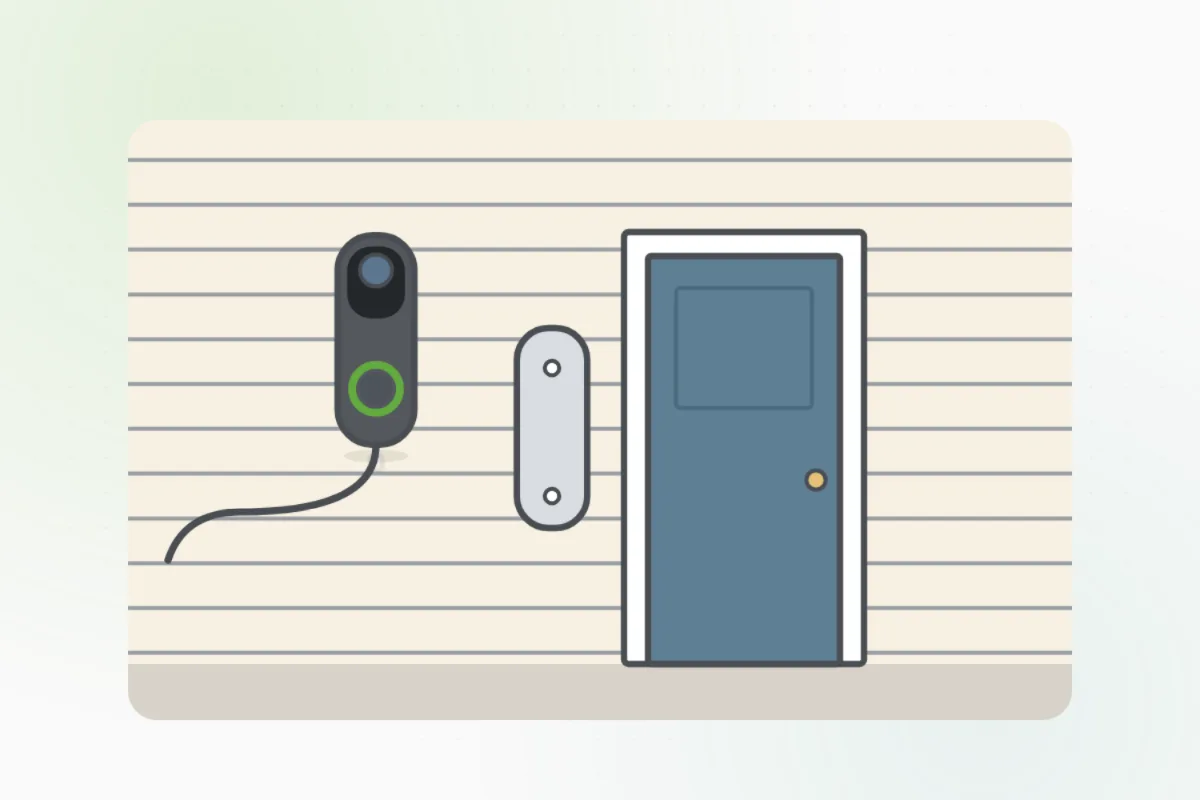
Undo the small security screw at the bottom with the tool that came with it, and lift the doorbell up and off.
Charge it indoors with its cable until its light shows full, then click it back on and tighten the screw.
Restart it from the app, or hold the setup button on its back as the manual says, and let it reconnect to the Wi-Fi.
In the app, check the chime is on, its volume up, and its type set right: mechanical, digital or none.
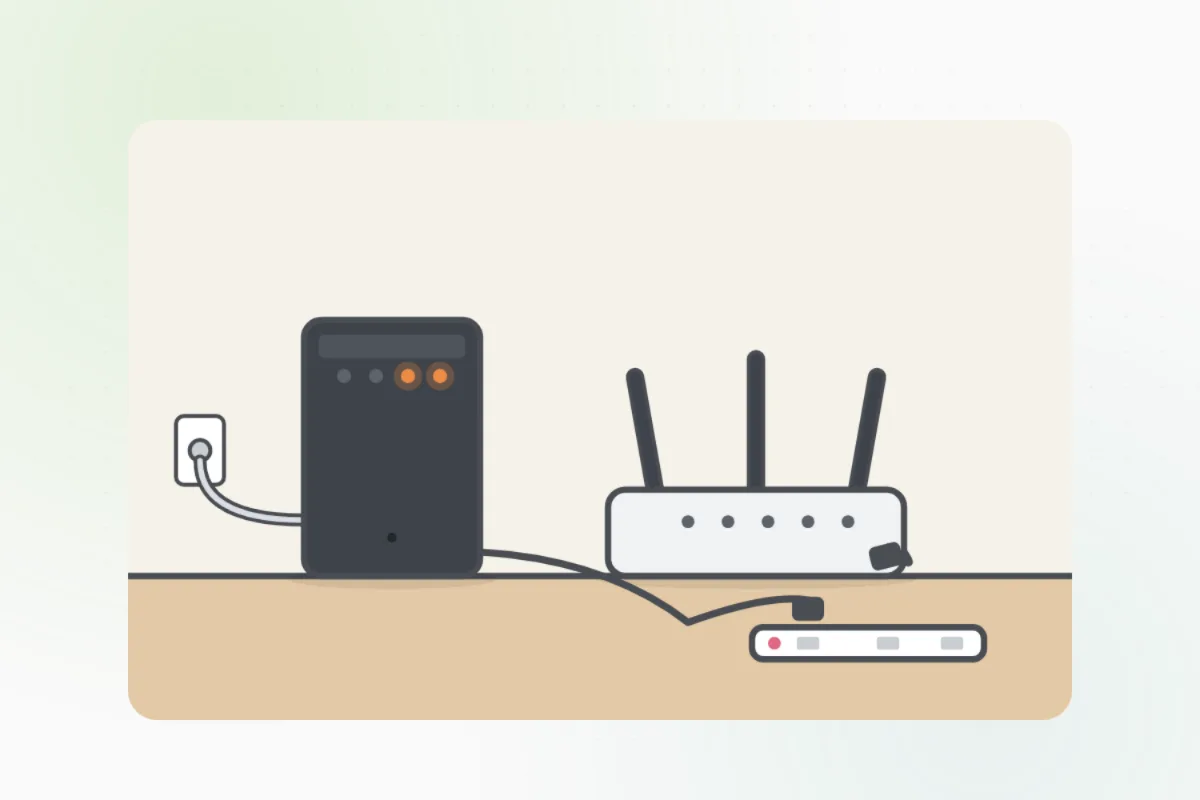
Unplug a plug-in chime for a few seconds, plug it back in nearer the router, and pair it again in the app.
Press the doorbell: the chime should ring and your phone should get the alert.
A wired chime that stays silent, or a doorbell that won't power on from the house's doorbell wires: the transformer is an electrician's job. Ask Handyman for one.
What you need
- Its charging cable
- The small screwdriver that came with it
- Your phone
Call a pro if
- A wired doorbell won't power on
- A wired chime stays silent
- The doorbell is cracked or wet inside

Handyman says: Still silent? I'll find an electrician.
Free for every home. Handyman asks a few questions, then books a pro it trusts.
More around the house guides
See all 70
Rather have
a pro do it?