



DIY guideElectronics and smart home
Install battery or wireless security cameras
Charge and pair each camera indoors, check the Wi-Fi where it goes, mount it above head height on a first-floor wall, and aim it while someone watches the app.
- 30 min to 1 hr
- 8 steps
- Every step animated
8 steps
Tap a step to watch it again.
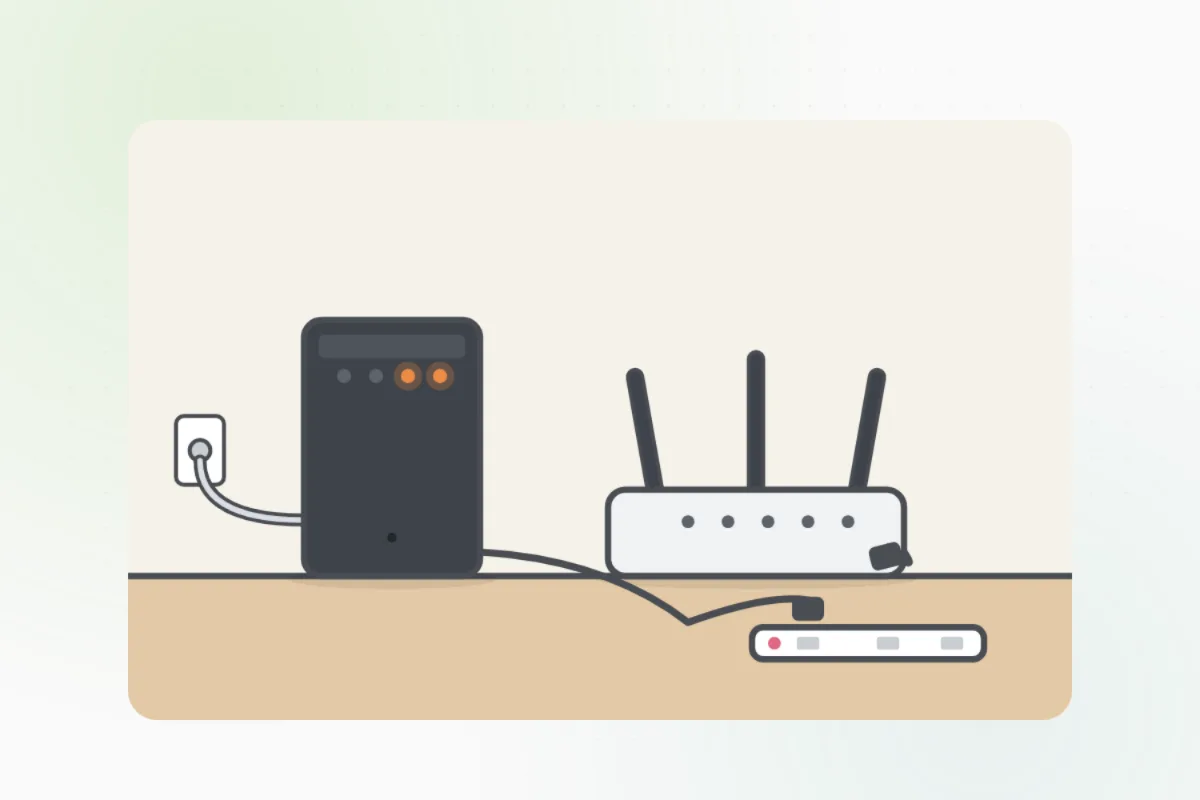
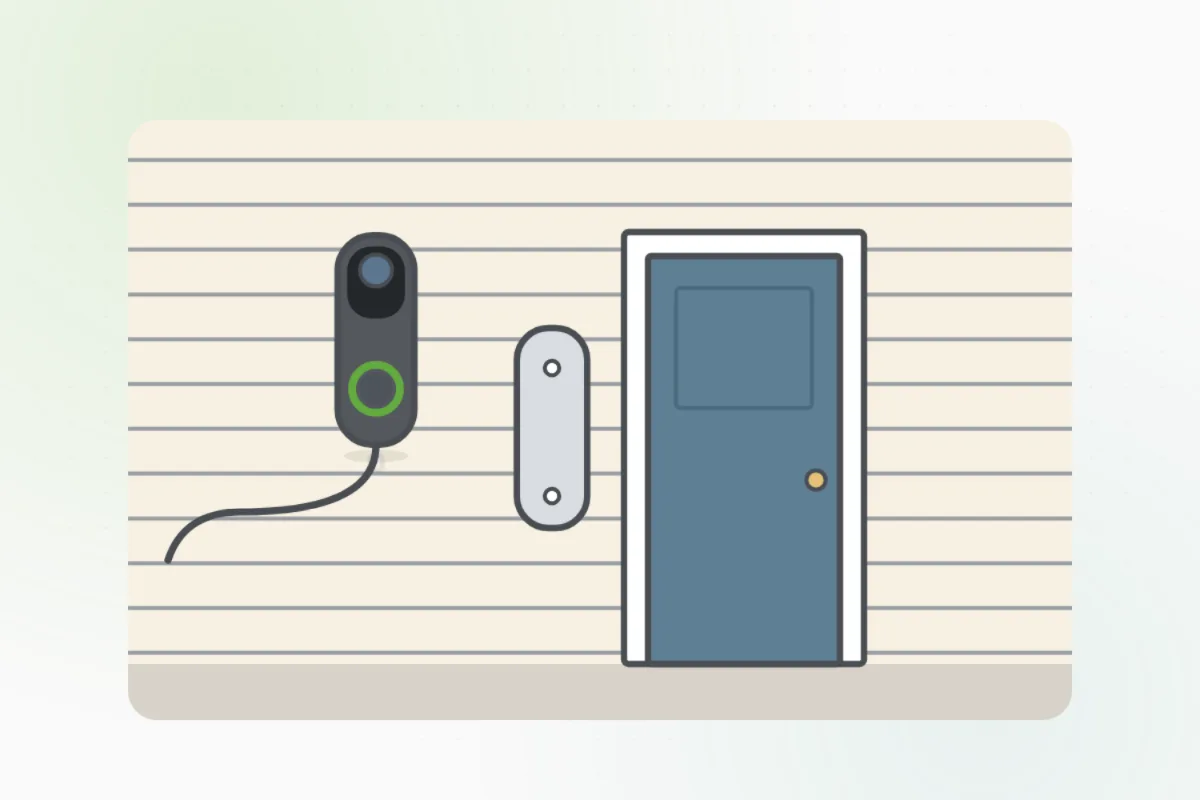
Charge each camera fully, then set it up in its app indoors, near the router.
Stand where it will go with your phone. Weak Wi-Fi? Pick a closer spot or add an extender.
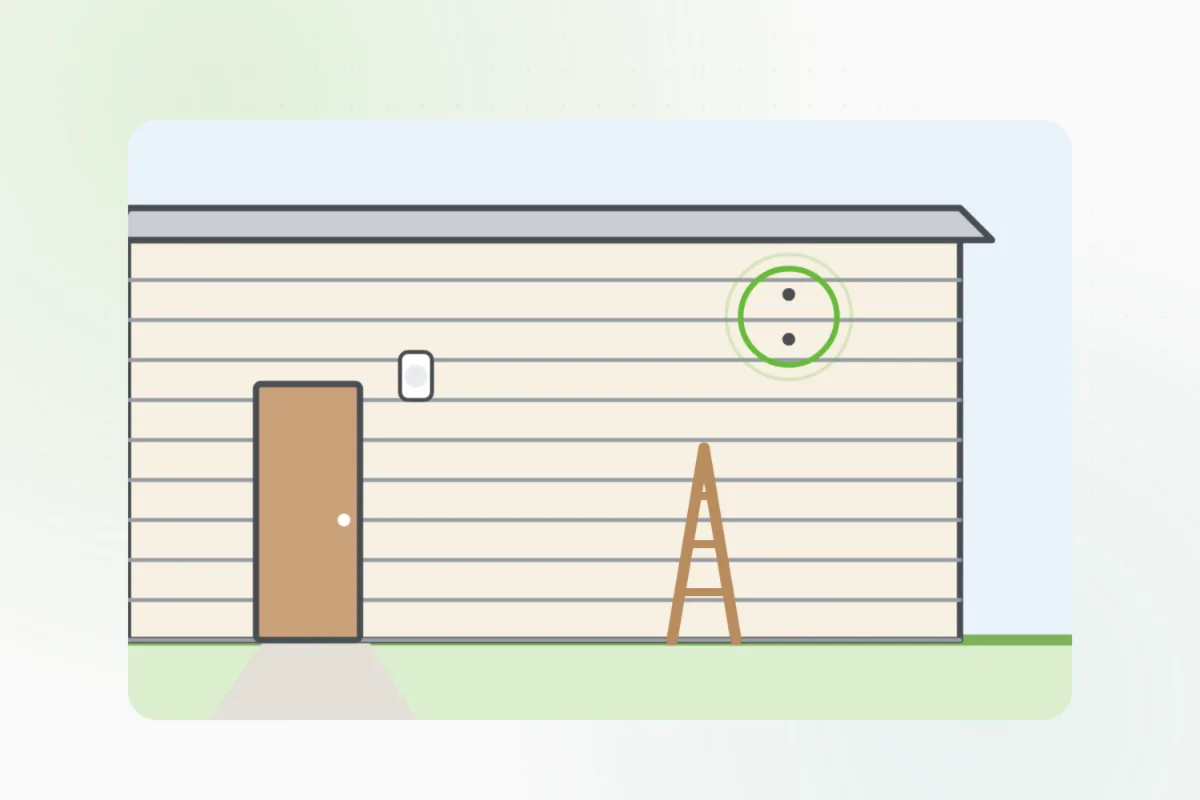
Above head height but below a first-floor eave, looking at the door, the path or the drive.
Hold the mount up, mark its holes, drill, and use the plugs that suit the wall.
Wear safety glasses, and keep clear of the wall right above and below outlets, switches and lights: wires run there.Screw the mount on firmly, then click or twist the camera onto it.
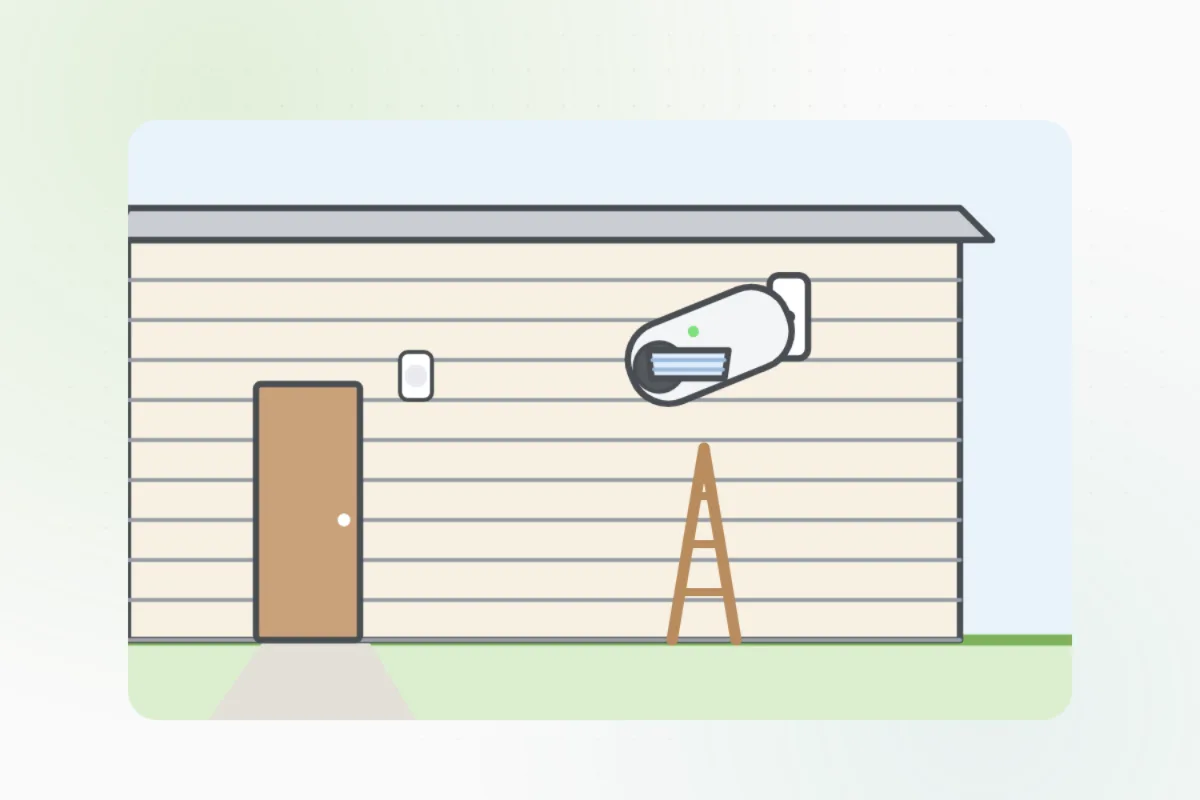
Have someone watch the app while you turn it, then lock the joint.
In the app, draw the areas it should watch, and leave out the street and the neighbors' windows.
A camera that needs a power cable through a wall or to an outside outlet, or a spot above the first floor: ask Handyman for an electrician or a security installer.
What you need
- The cameras and their mounts
- A drill and the right wall plugs
- A ladder or step stool, and a helper
- Your phone
Call a pro if
- It needs a power cable through a wall or to an outlet outside
- The spot is above the first floor
- The Wi-Fi won't reach, even with an extender

Handyman says: Wired power? I'll find an electrician.
Free for every home. Handyman asks a few questions, then books a pro it trusts.
More around the house guides
See all 70
Rather have
a pro do it?