



DIY guideElectronics and smart home
Mount a TV on the wall
Find the studs, level the bracket, hang the TV with a helper and hide the cables, with a mount made for its size and weight.
- 1 hr to 2 hr
- 8 steps
- Every step animated
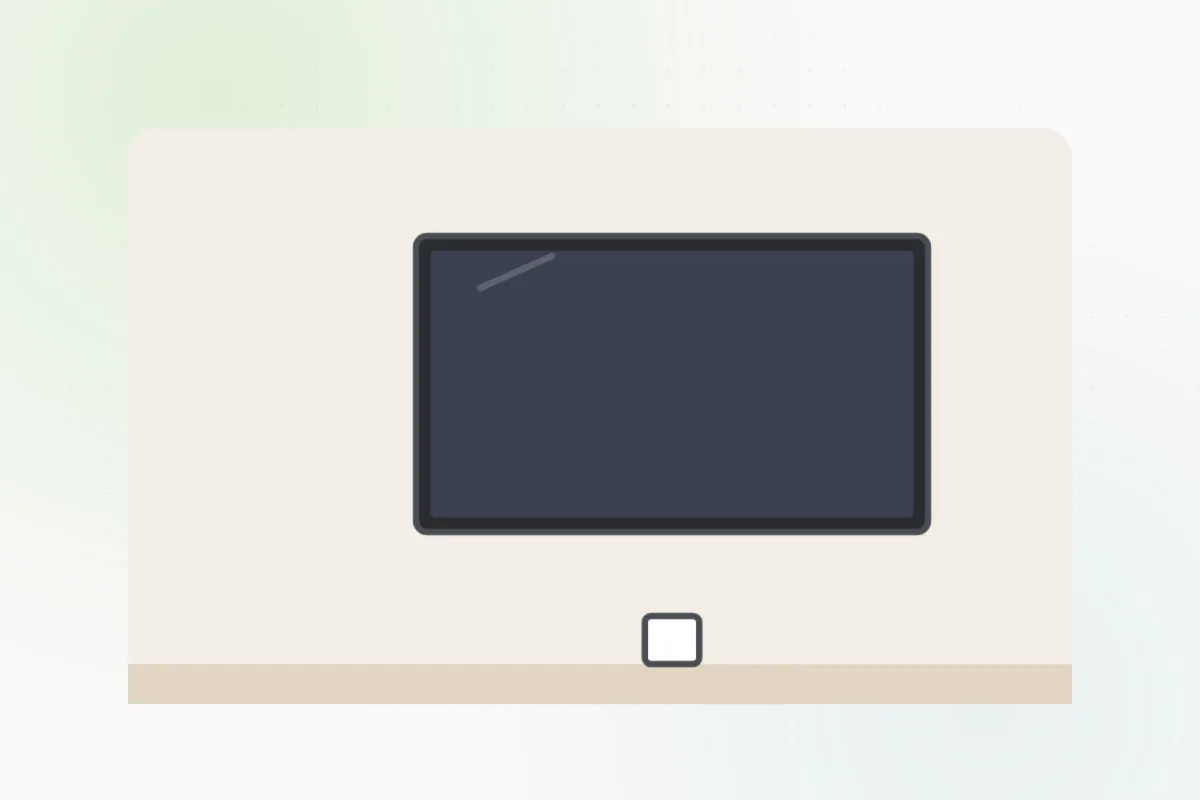
8 steps
Tap a step to watch it again.
Check the mount's box: it must fit the TV's size, its weight and the pattern of holes on its back.
Slide a stud finder across the wall at the height you want, and mark each stud's edges.
Keep clear of the wall straight above and below an outlet or a switch: pipes and wires run there.Hold the wall plate on the studs, set a level on it, and mark its holes.
Drill pilot holes into the studs and drive in the bolts until the plate is snug.
Wear safety glasses.Lay the TV face down on a blanket and screw the mount's arms into its back.
With someone on the other side, hook the TV onto the wall plate and lock it.
Two people lift it, never one.Run the cables in a cord cover along the wall. A power cord inside the wall is an electrician's job.
No studs where you need them, brick or plaster, or a big heavy TV: ask Handyman for a mounting pro.
What you need
- A wall mount made for your TV
- A stud finder and a pencil
- A level
- A drill and a socket for the bolts
- A cord cover
- A helper
Call a pro if
- No studs where it has to go, or a brick or plaster wall
- A large or heavy TV, or above a fireplace
- You want the power cord inside the wall

Handyman says: No studs? I'll find a pro.
Free for every home. Handyman asks a few questions, then books a pro it trusts.
More around the house guides
See all 70
Rather have
a pro do it?