



DIY guideElectronics and smart home
Security camera: clean the lens, charge it, re-aim it
Wipe the lens with a dry microfiber cloth, charge its battery, and turn it back to the view you want while someone watches the app.
- 15 to 30 min
- 7 steps
- Every step animated
7 steps
Tap a step to watch it again.
Open the camera's app: a blurry, dark or offline picture tells you what it needs.
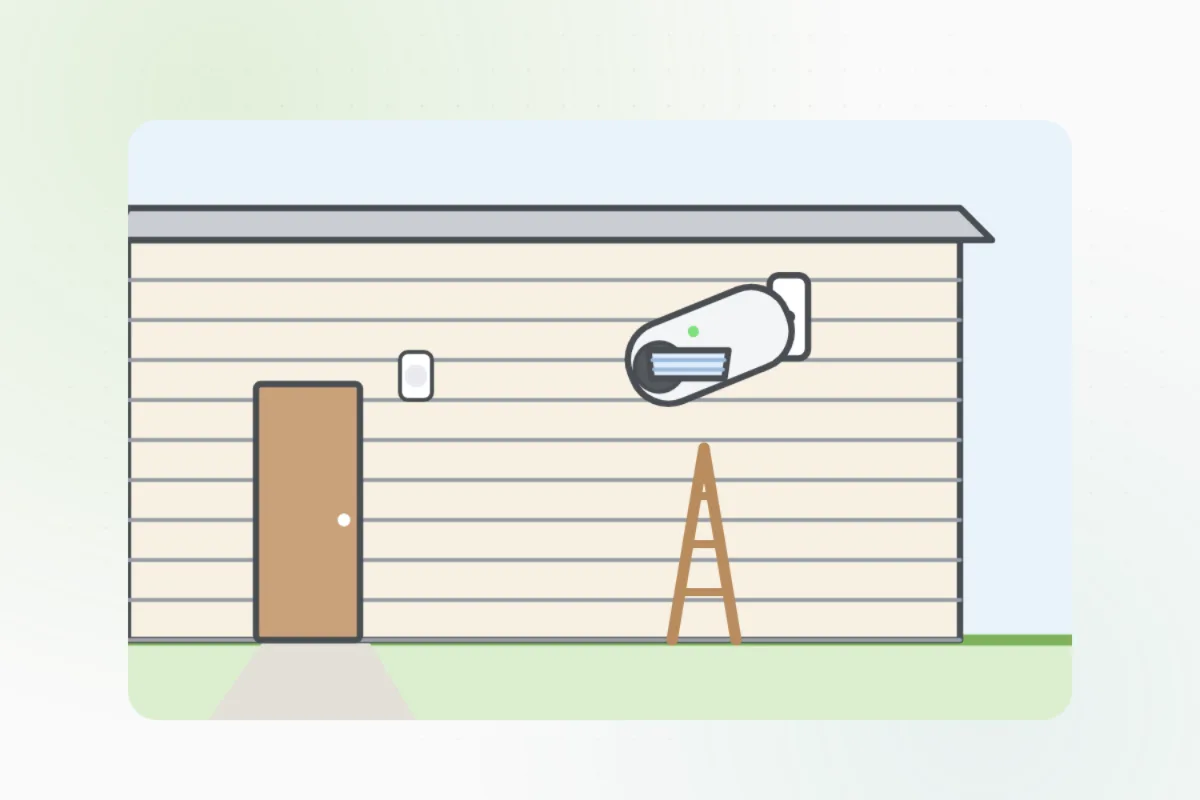
Wipe the lens and the small sensor window gently with a dry microfiber cloth. No glass cleaner or paper towel.
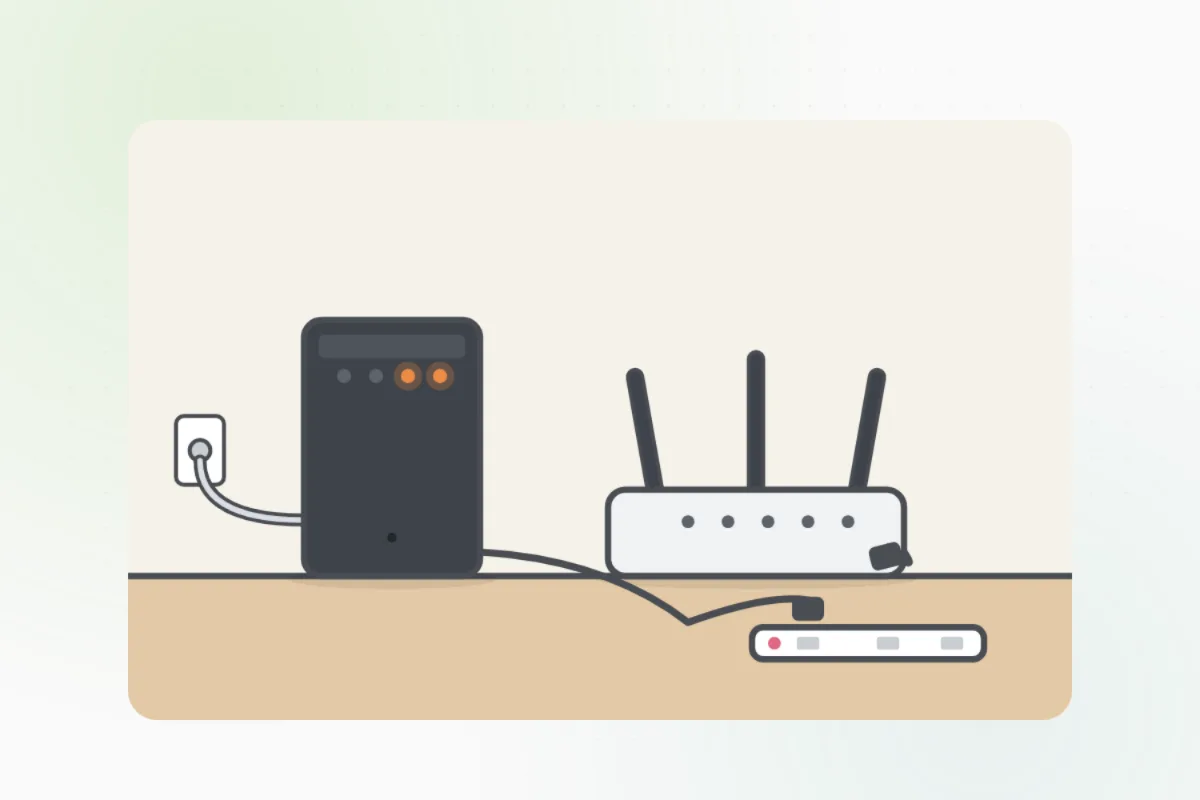
Reach it from a sturdy step stool, or a ladder on firm, level ground with someone holding it.Twist or slide the camera off its mount, or pop its battery out, and charge it fully indoors.
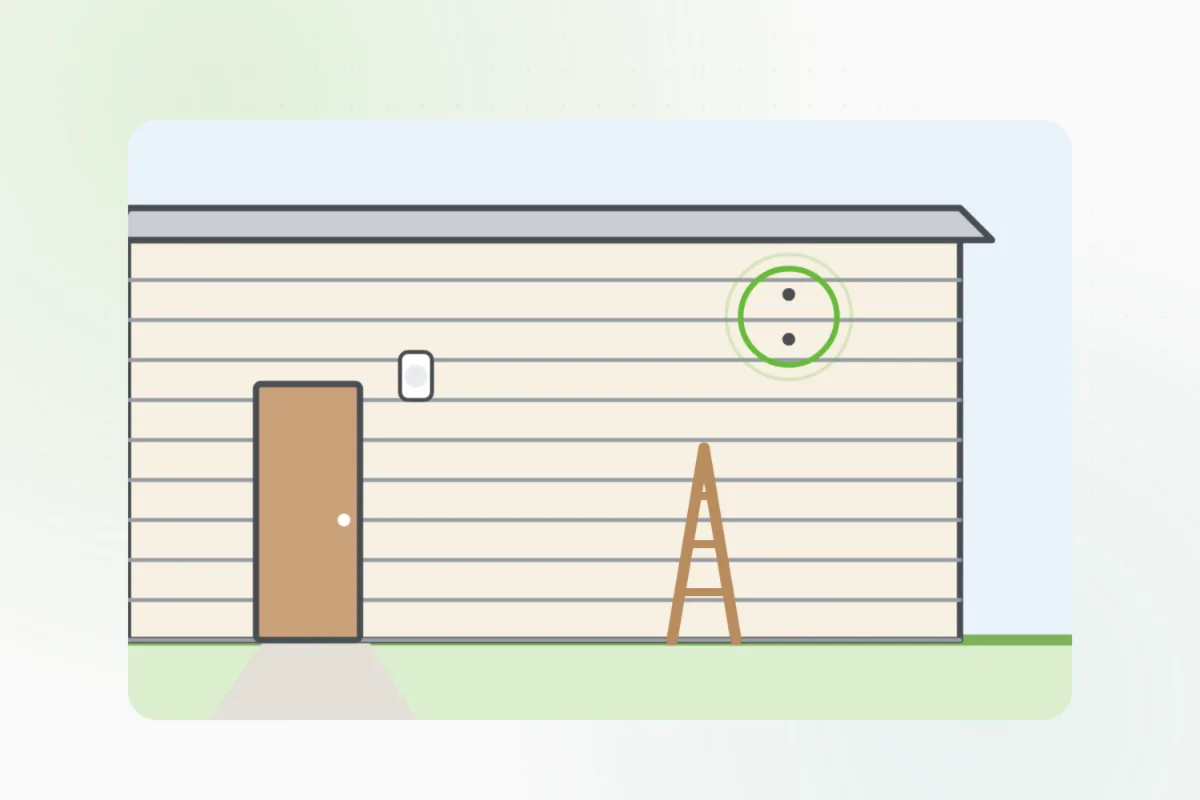
Click it back on until it locks. A loose camera droops and loses its view.
Loosen the mount's joint, turn the camera while someone watches the app, then tighten it.
After dark, look at the picture in the app. Glare from a light or a window? Turn it a little.
A camera above the first floor, one on a power cable, or one still offline after charging: ask Handyman for a security installer.
What you need
- A dry microfiber cloth
- Its charging cable
- A step stool or a ladder, and a helper
Call a pro if
- It's mounted above the first floor
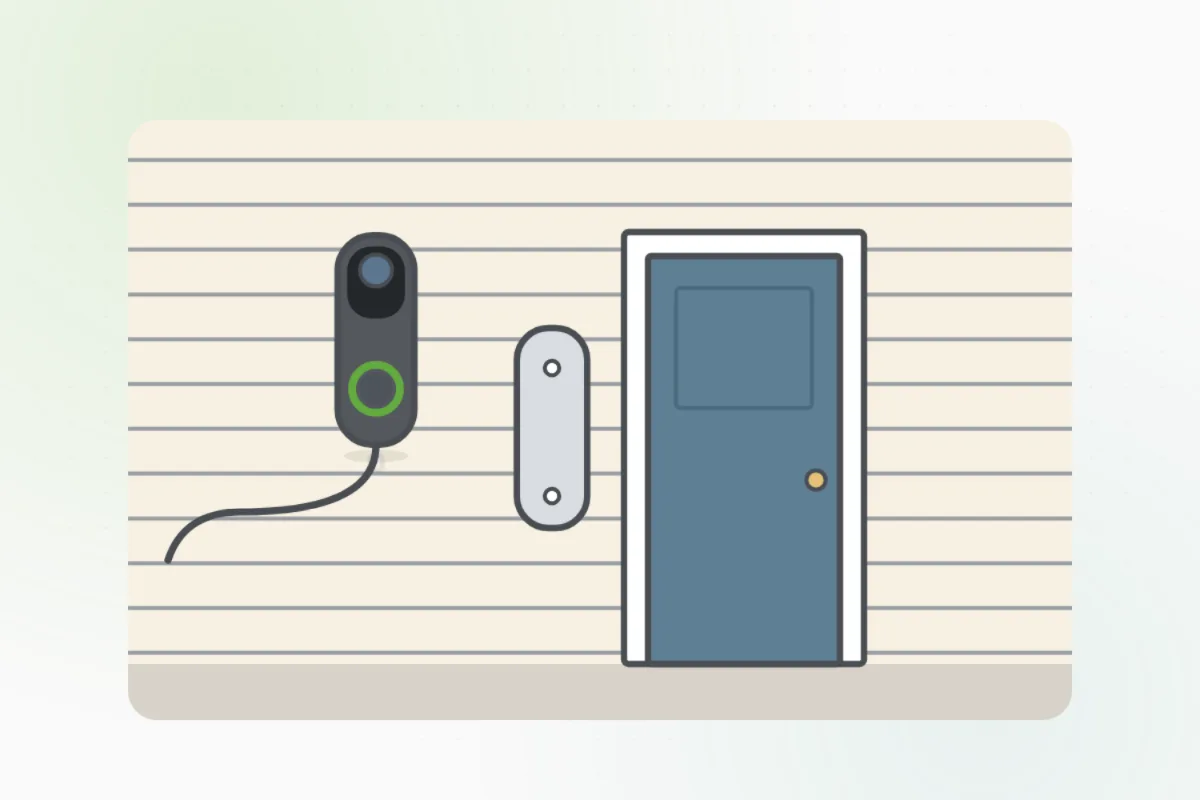
- It runs on a power cable, not a battery
- It stays offline after charging

Handyman says: Too high? I'll find an installer.
Free for every home. Handyman asks a few questions, then books a pro it trusts.
More around the house guides
See all 70
Rather have
a pro do it?