



DIY guideElectronics and smart home
Install a video doorbell
A battery doorbell mounts with a few screws. A wired one goes on the old doorbell's two thin wires with the power off. The transformer is an electrician's job.
- 30 min to 1 hr
- 8 steps
- Every step animated
8 steps
Tap a step to watch it again.
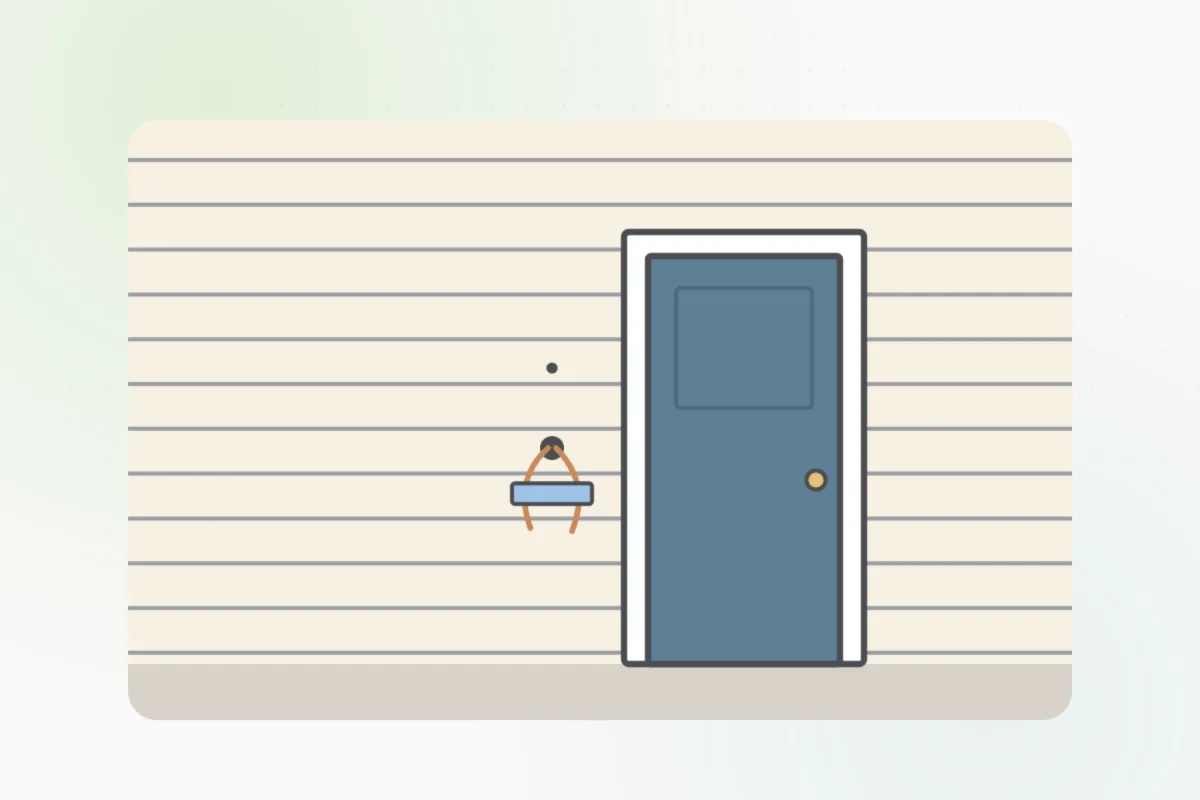
A battery doorbell needs only screws. A wired one replaces your old button and uses its two thin wires.
Charge it fully and set it up in its app indoors, so it's on your Wi-Fi before it goes up.
For a wired one, switch off the doorbell's breaker, then press the old button: no chime means the power's off.
Leave the power off until the new doorbell is on its plate.Unscrew the old button and ease it out. Undo its two wires and tape them to the wall so they can't slip inside.
Hold the new plate level, mark its holes, drill, and screw it on.
Wear safety glasses.For a wired one, fasten one wire under each screw on the plate. Either way around works.
Click the doorbell onto its plate, tighten its screw, and switch the breaker back on. Press it to test the chime and your phone's alert.
Thick wires, no wires at all, or no power with the breaker on: the doorbell's transformer is an electrician's job. Ask Handyman for one.
What you need
- The video doorbell and its plate
- A drill and a screwdriver
- Painter's tape
- A level
Call a pro if
- Thick wires, or no wires at the old button
- No power with the breaker back on
- A new transformer or chime is needed

Handyman says: No power? I'll find an electrician.
Free for every home. Handyman asks a few questions, then books a pro it trusts.
More around the house guides
See all 70
Rather have
a pro do it?