



DIY guideWorking with a pro
Find a machine's rating label: model, serial, age, rental sticker
Where the label sits on each machine, how its serial holds its age, and what a rental sticker means.
- 5 to 15 min
- 8 steps
- Every step animated
8 steps
Tap a step to watch it again.
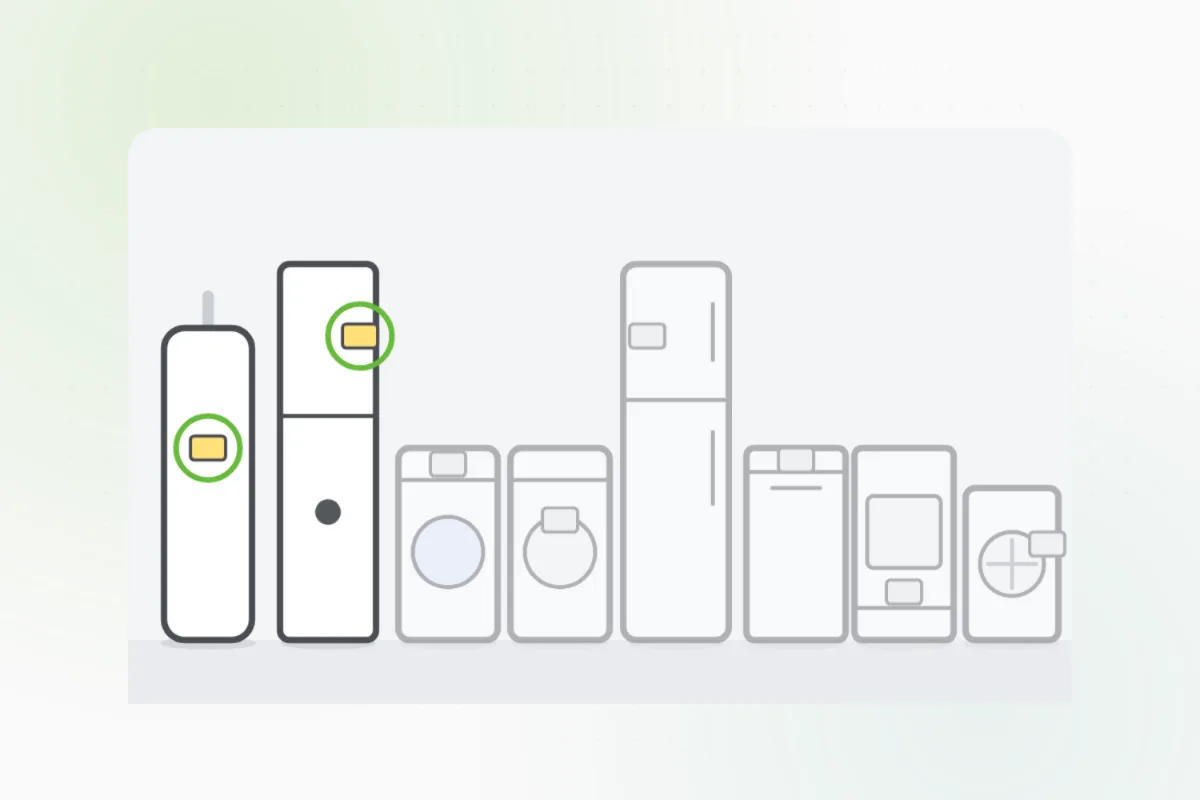
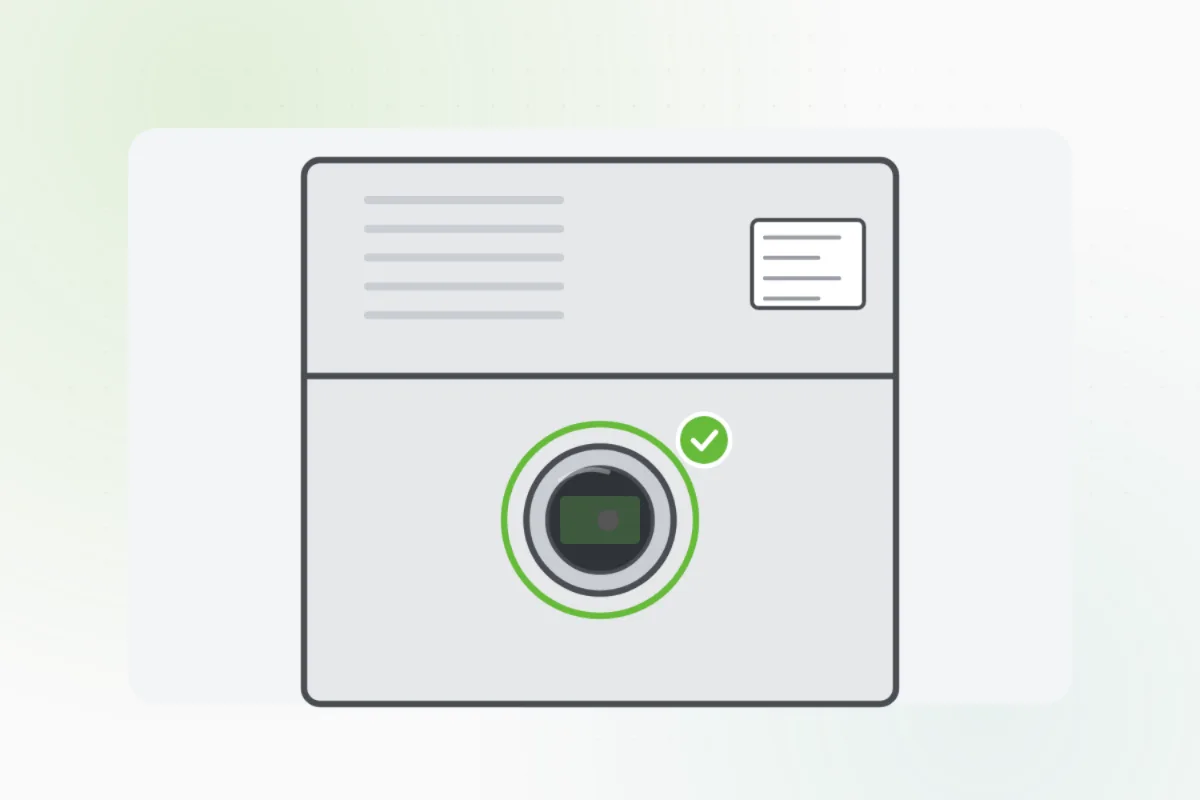
A metal plate or a sticker with the model and serial numbers, on the side, the back, or inside a door.
Water heater: on the tank's side. Furnace or boiler: on its side, or by the burner's little window.
Washer: under the lid or round the door. Dryer: inside the door's rim. Fridge: inside, on a side wall.
Dishwasher: on the door's edge. Range: behind the drawer. The AC: on the side of the unit outside.
Get close, tap to focus, and turn on a light so every number shows.
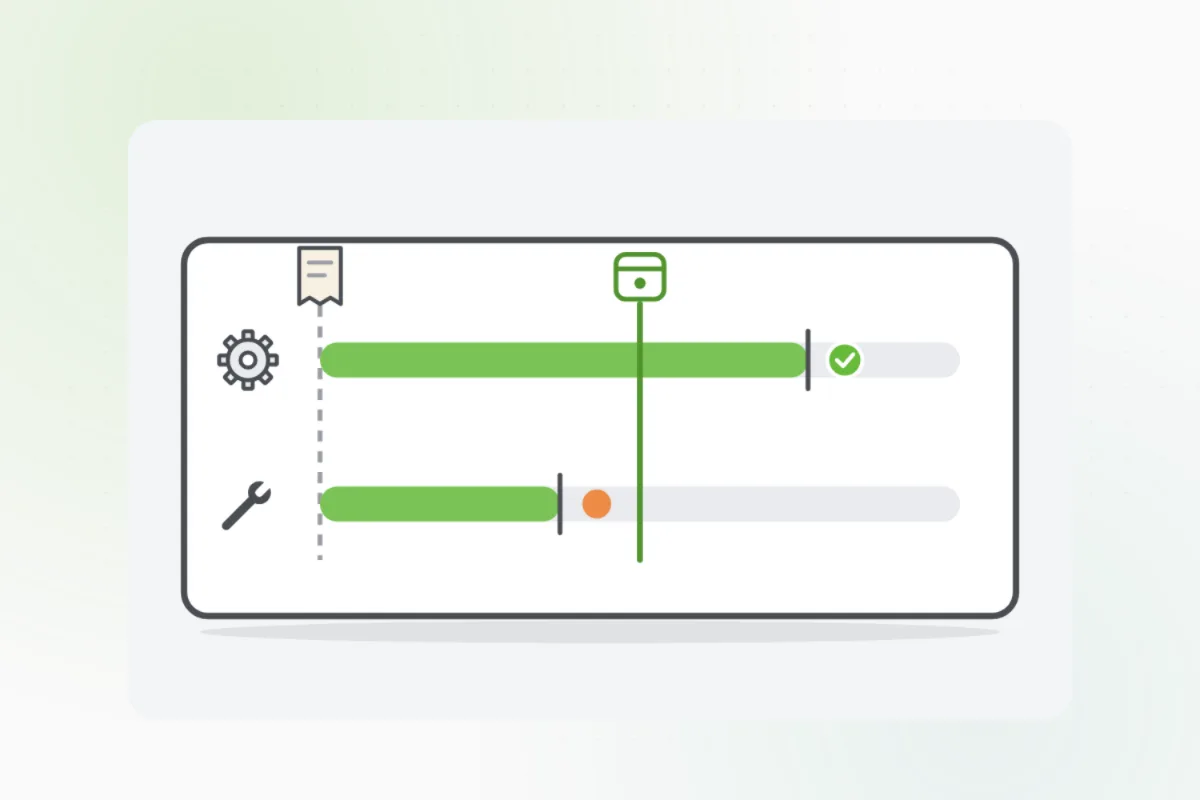
The serial's first letters or numbers often hold when it was made. Send the photo to Handyman to read it.
A company's sticker can mean the machine is rented. Note its name: they may service it.
A label behind a cover that needs tools, or near wiring or a gas line: leave it. Send Handyman a photo of the front instead.
What you need
- Your phone
- A flashlight
Call a pro if
- The label is behind a panel that needs tools
- The label has worn off

Handyman says: Leave the cover on. Send me a photo.
Free for every home. Handyman asks a few questions, then books a pro it trusts.
More around the house guides
See all 70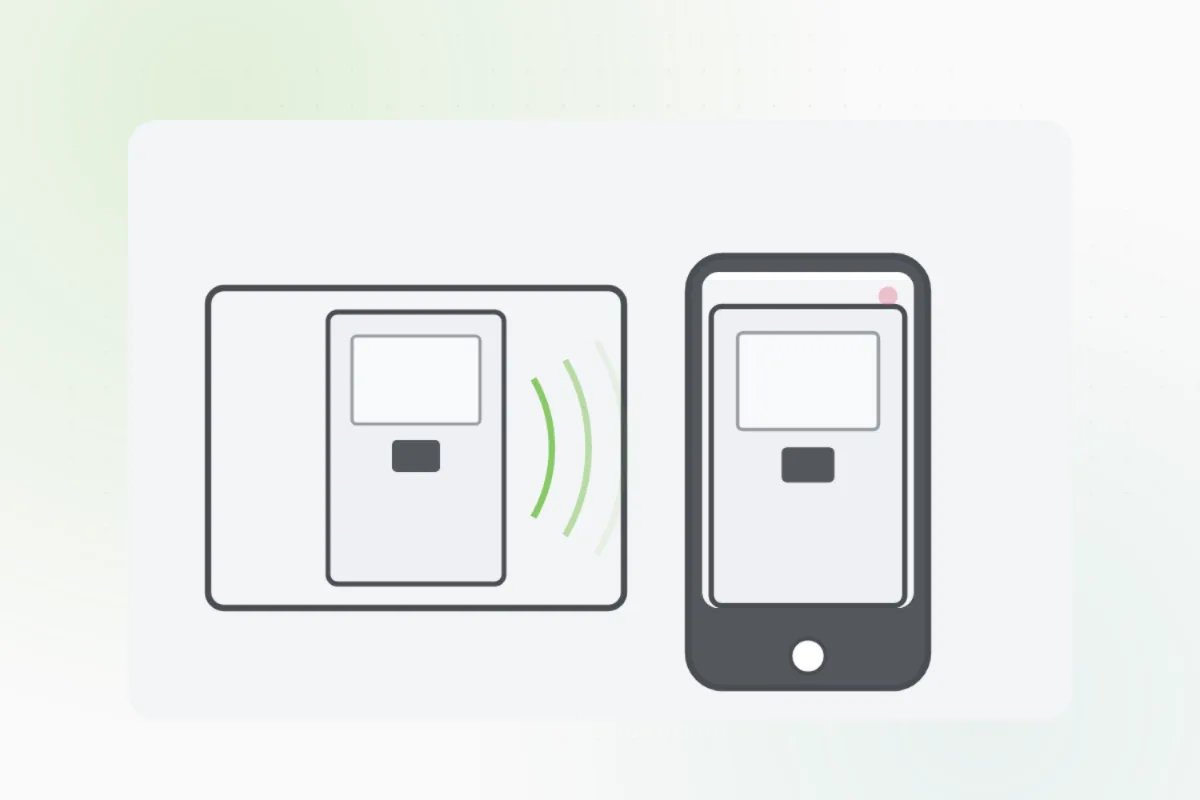
Rather have
a pro do it?