



DIY guideBreaker panel
Check the whole-house surge protector is still live
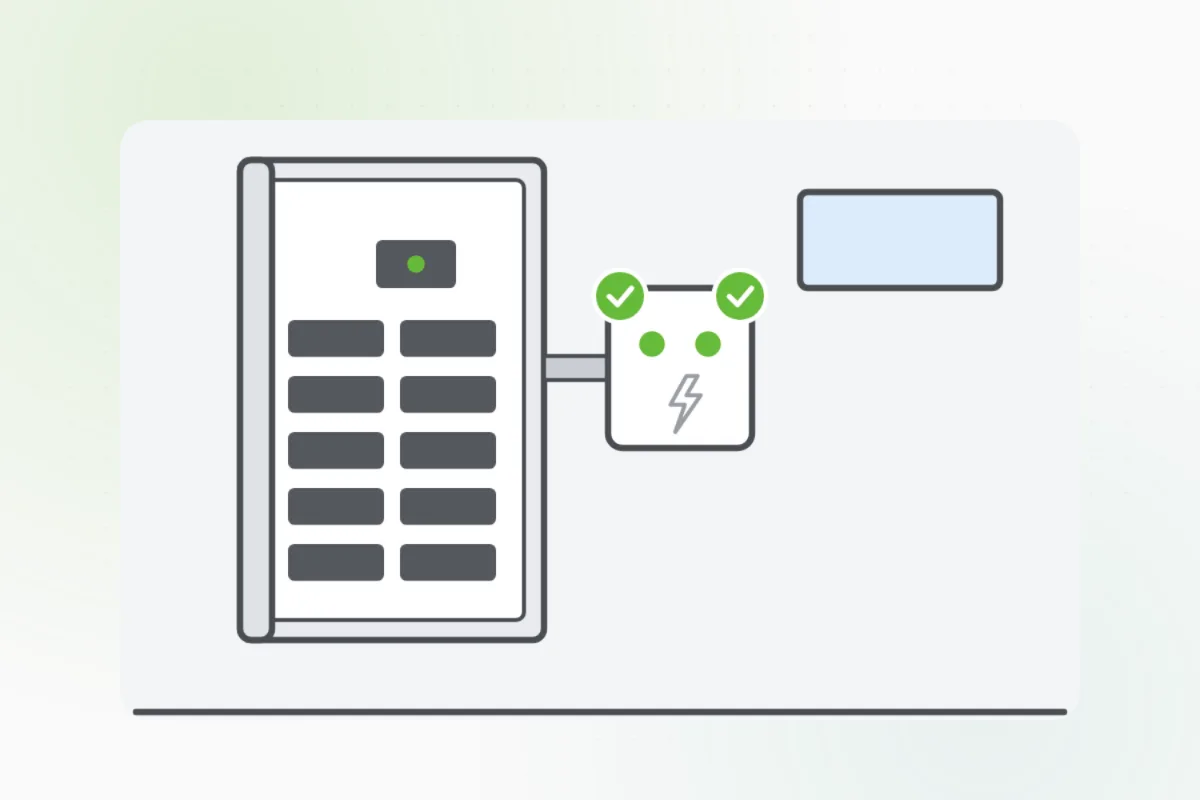
Read the surge protector's lights at the panel. Green means it's protecting; a dark light means it took a hit and an electrician replaces it.
- 2 to 5 min
- 6 steps
- Every step animated
6 steps
Tap a step to watch it again.
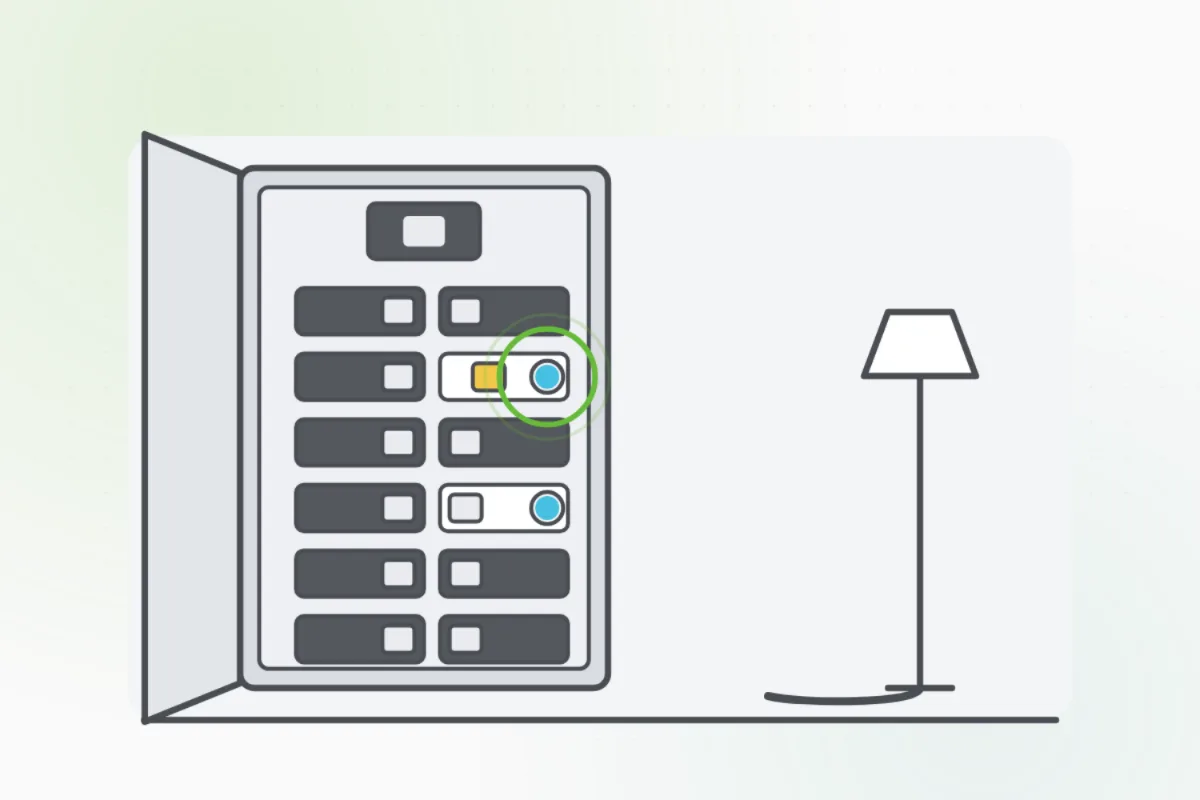
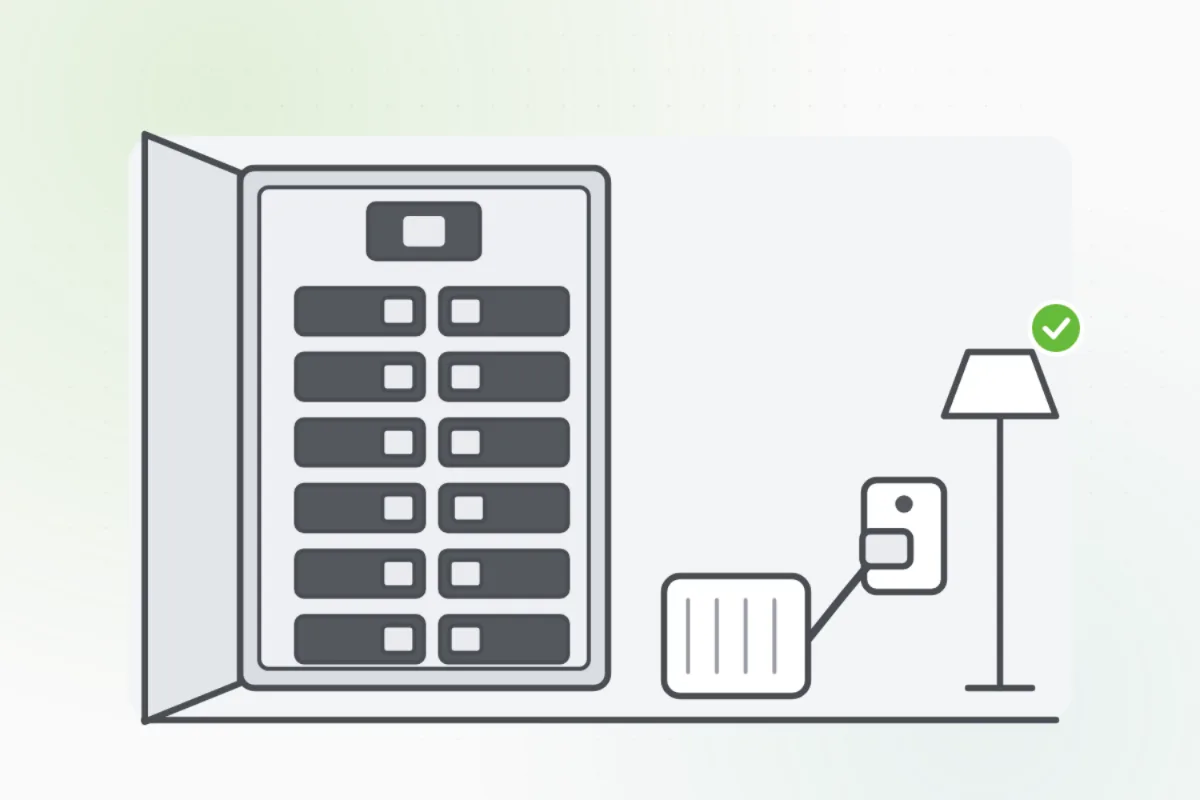
Look on or beside the panel for a small box with lights, or a breaker-sized one with a light behind the panel's door.
Open only the panel's outer door. The cover behind it stays on.Green means it's protecting. Check each light: some have one, some two or three.
A dark or red light means it took a surge and no longer protects. The power still works, so nobody notices.
Check it after a storm or a power cut, and whenever you test the smoke alarms.
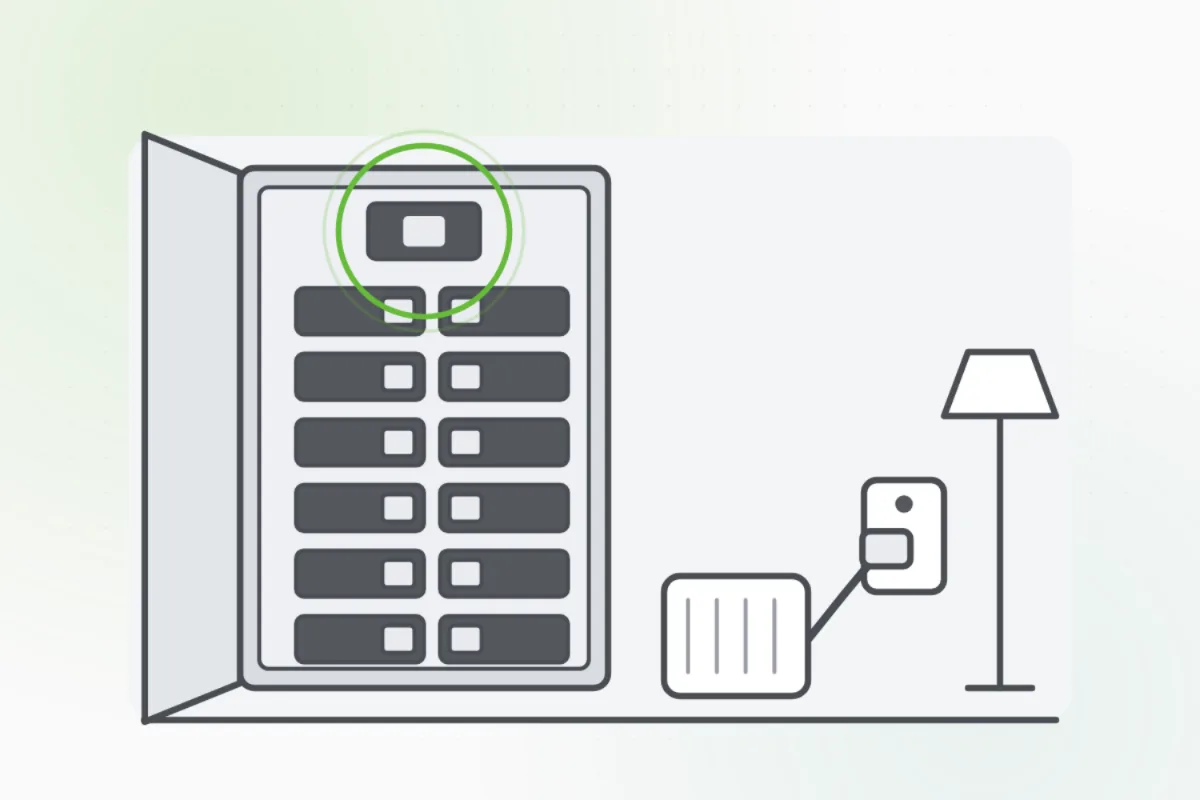
It doesn't replace plug-in surge strips for computers and TVs. Keep those, and replace any that show a fault light.
A dark or red light, a burnt smell or a buzzing box: ask Handyman for an electrician to replace it. Don't open it.
What you need
- A flashlight
Call a pro if
- A light is dark or red
- The box smells burnt or buzzes
- There's no surge protector and you'd like one

Handyman says: Light's out? I'll find an electrician.
Free for every home. Handyman asks a few questions, then books a pro it trusts.
More power and safety guides
See all 43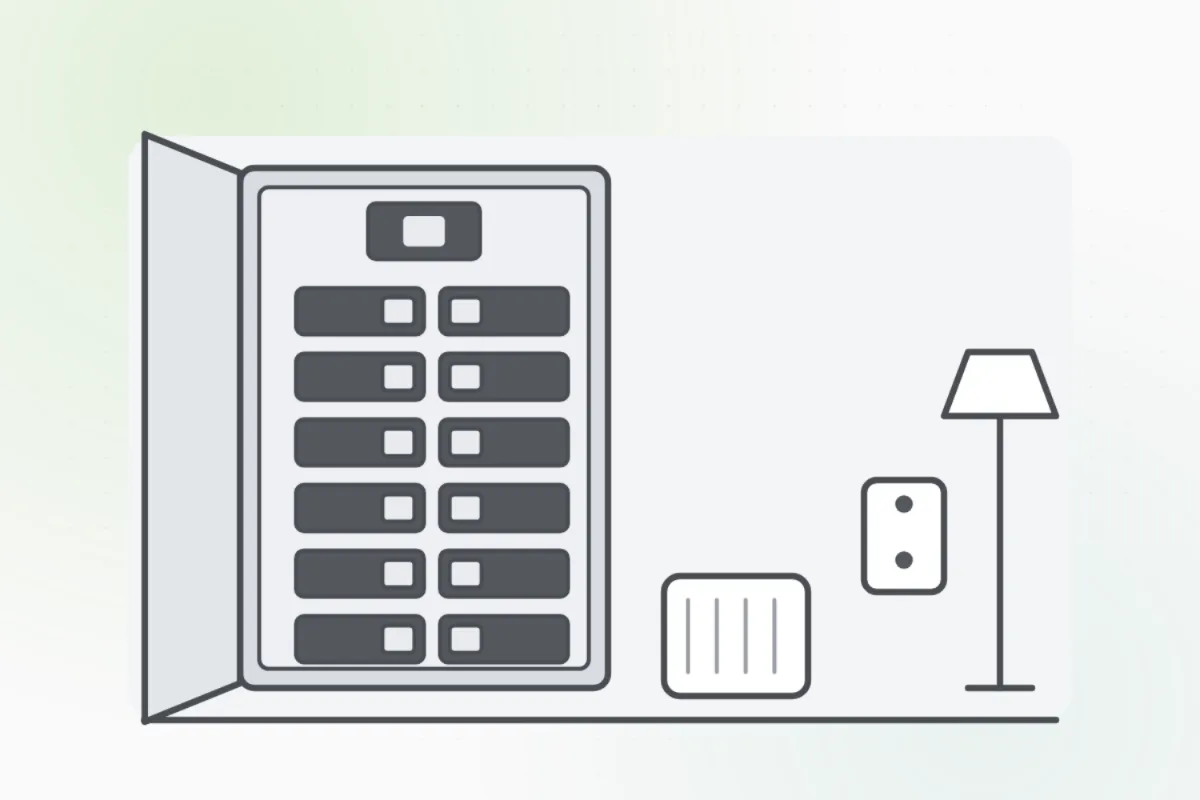
Rather have
a pro do it?