



DIY guideLights and bulbs
Adjust a photocell or timer for outdoor lights
Outdoor lights coming on at the wrong time, or not at all: set the timer's clock and its on and off times, or clean the light's photocell.
- 10 to 20 min
- 7 steps
- Every step animated
7 steps
Tap a step to watch it again.
A small round eye on the light, or on the wall near it, is a photocell. A dial or a screen by the switch, or plugged in, is a timer.
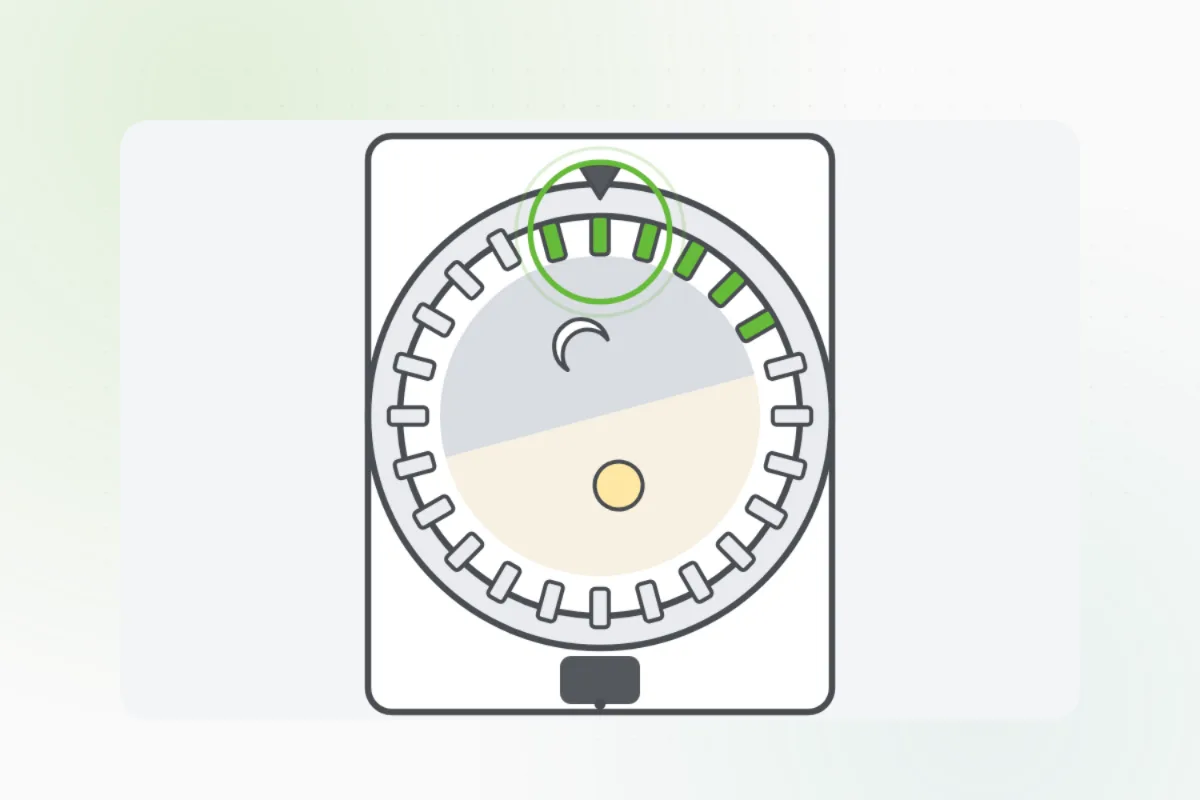
On a dial timer, turn the dial until the arrow points at the time it is now.
Push the pins or tabs in for the hours you want the light on, and out for off. A digital one: follow its buttons.
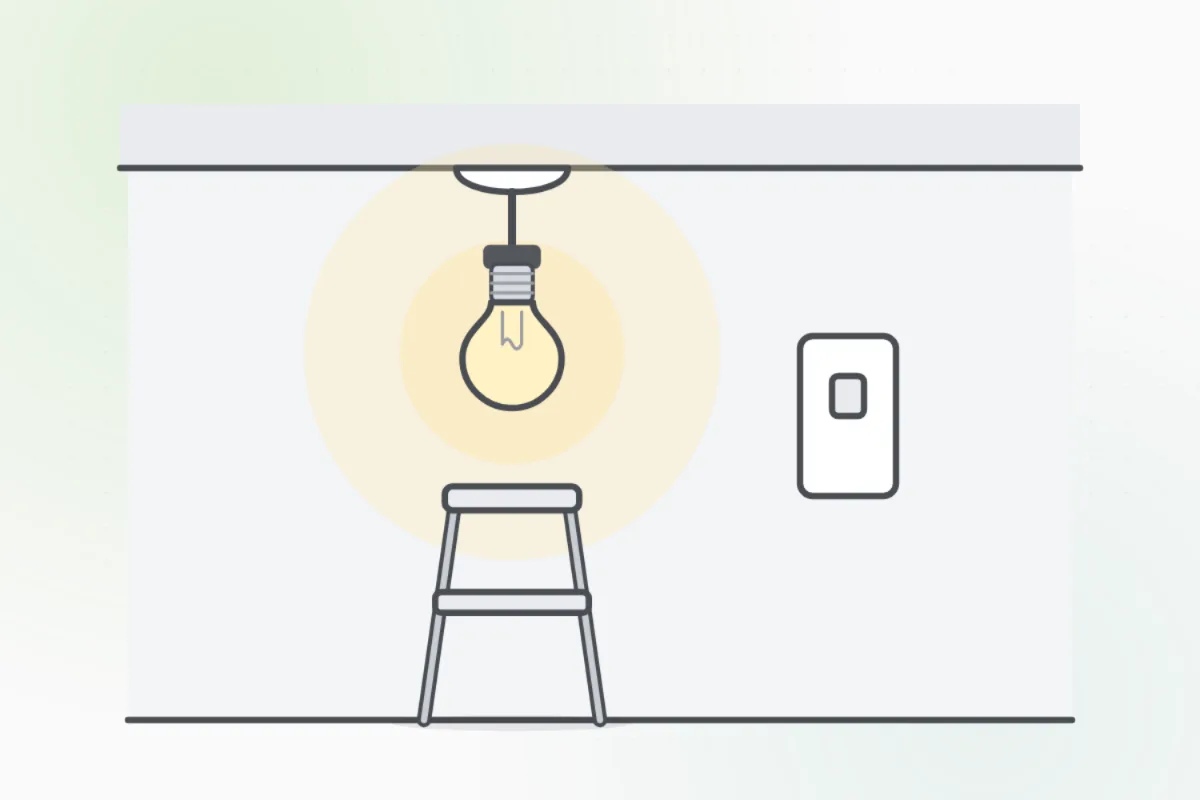
Wipe the photocell's eye with a damp cloth. Dirt or a cobweb can make it think it's night.
Turn the light's switch off first, and use a ladder only on firm, level ground.Make sure no other light shines on it, and no branch, snow or leaves cover it.
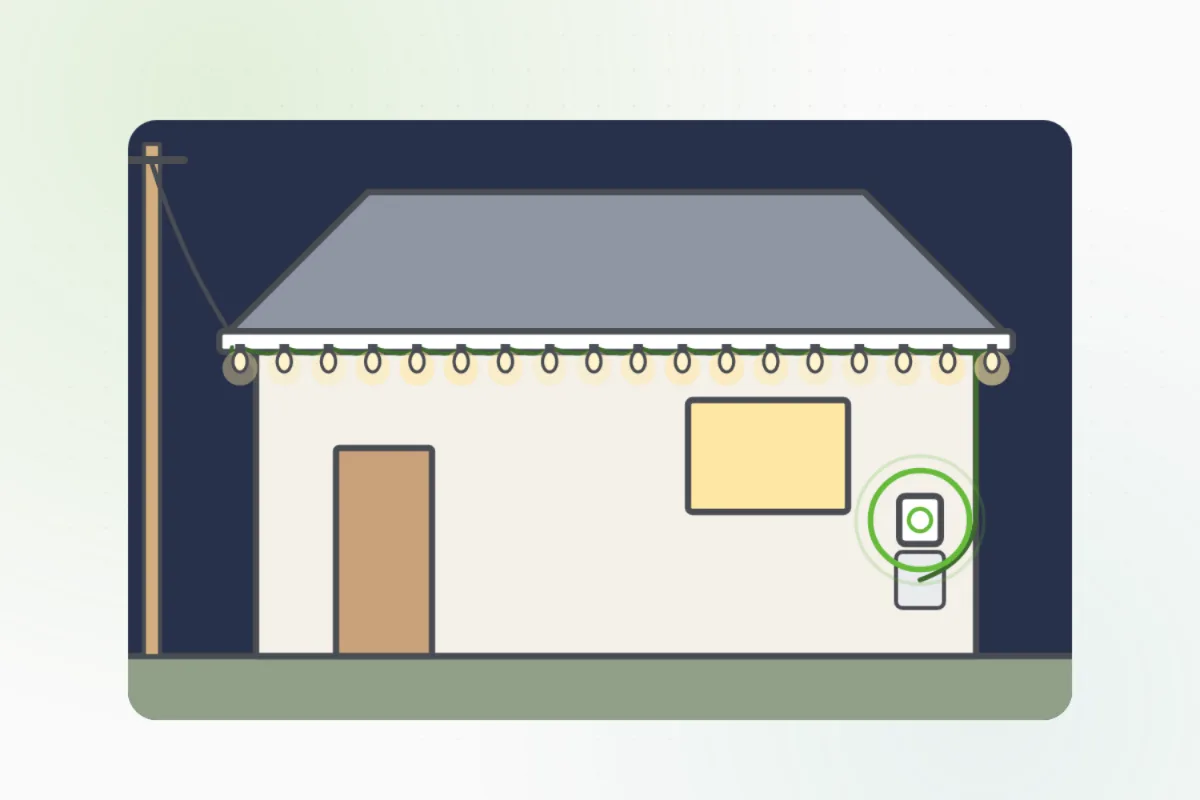
Check at dusk that the light comes on by itself, and that it's off in the morning.
A light that won't come on, stays on, flickers, or sits up on a pole: ask Handyman for an electrician.
What you need
- A damp cloth
- A step stool or a ladder on firm ground
- The timer's manual, for a digital one
Call a pro if
- The light won't come on, or stays on, after setting
- The photocell or timer is cracked or burnt
- Pole lights or lights up high

Handyman says: Still wrong? I'll find an electrician.
Free for every home. Handyman asks a few questions, then books a pro it trusts.
More power and safety guides
See all 43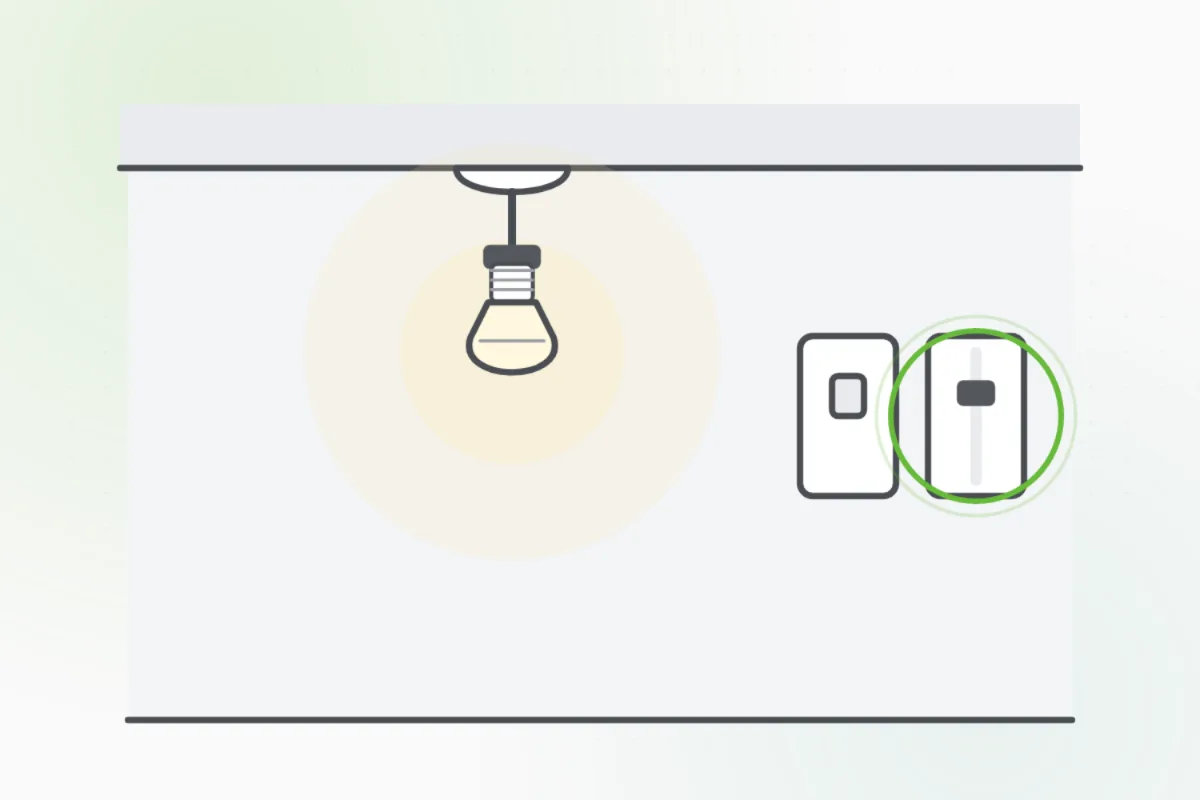
Rather have
a pro do it?