



DIY guideSump pump
Test the backup sump pump and its battery
Check you have a backup pump, look over its battery, unplug the main pump, and pour water in to watch the backup take over.
- 15 to 30 min
- 7 steps
- Every step animated
7 steps
Tap a step to watch it again.
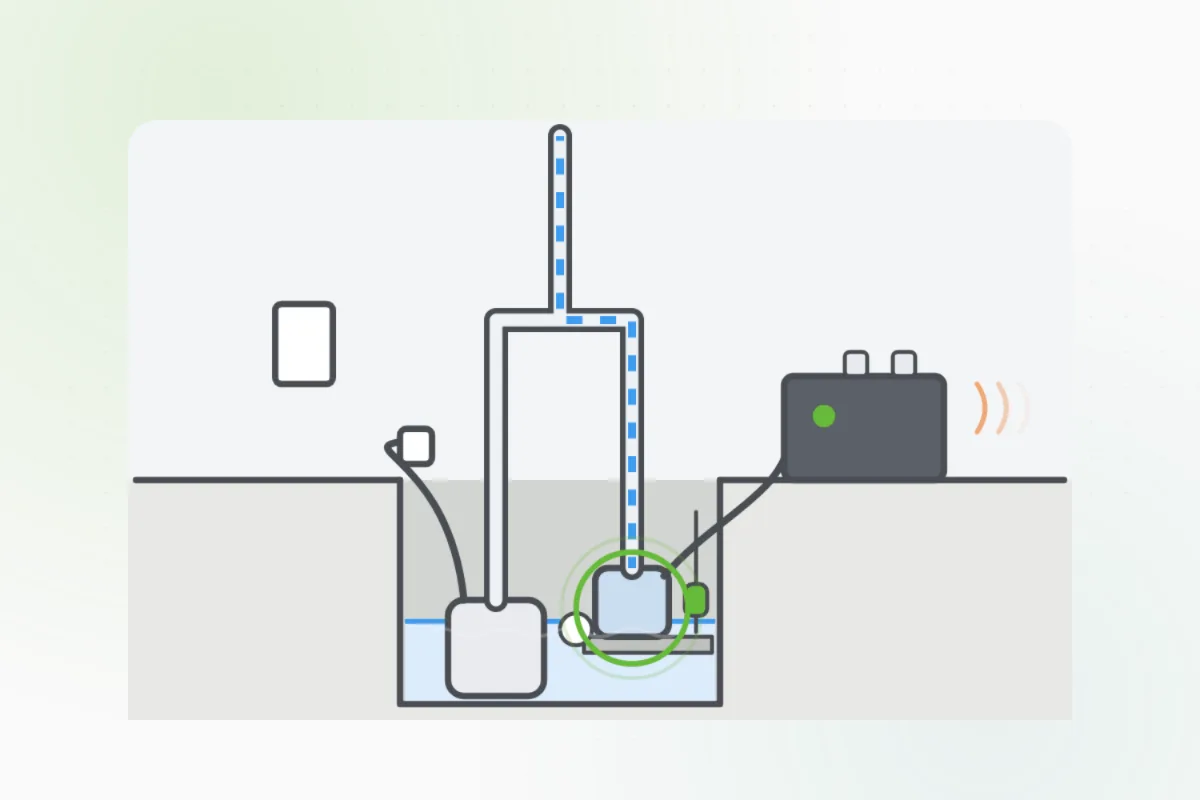
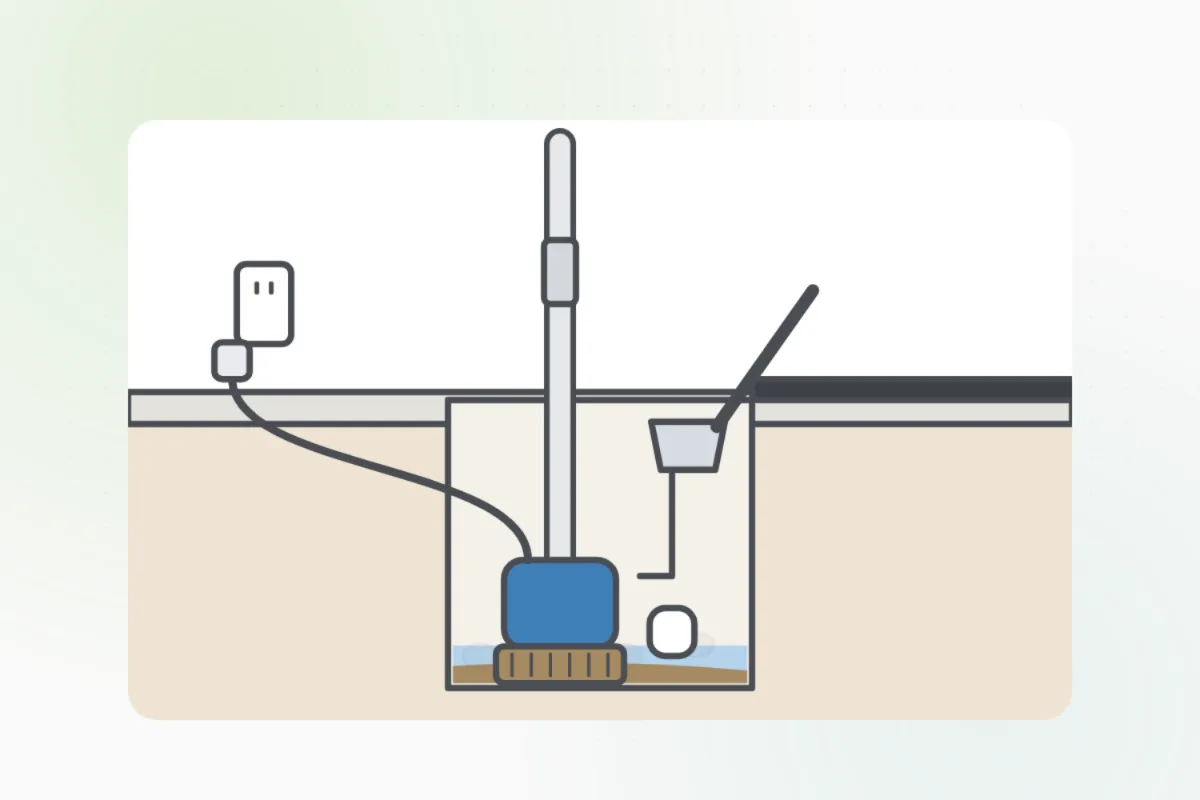
Look in the sump pit for a second pump, set a little higher than the main one, with a cord to a battery box nearby. No backup? Ask a plumber about one.
Look at its lights: green or steady is good. Look for crust on the battery's posts, and for its age on its label.
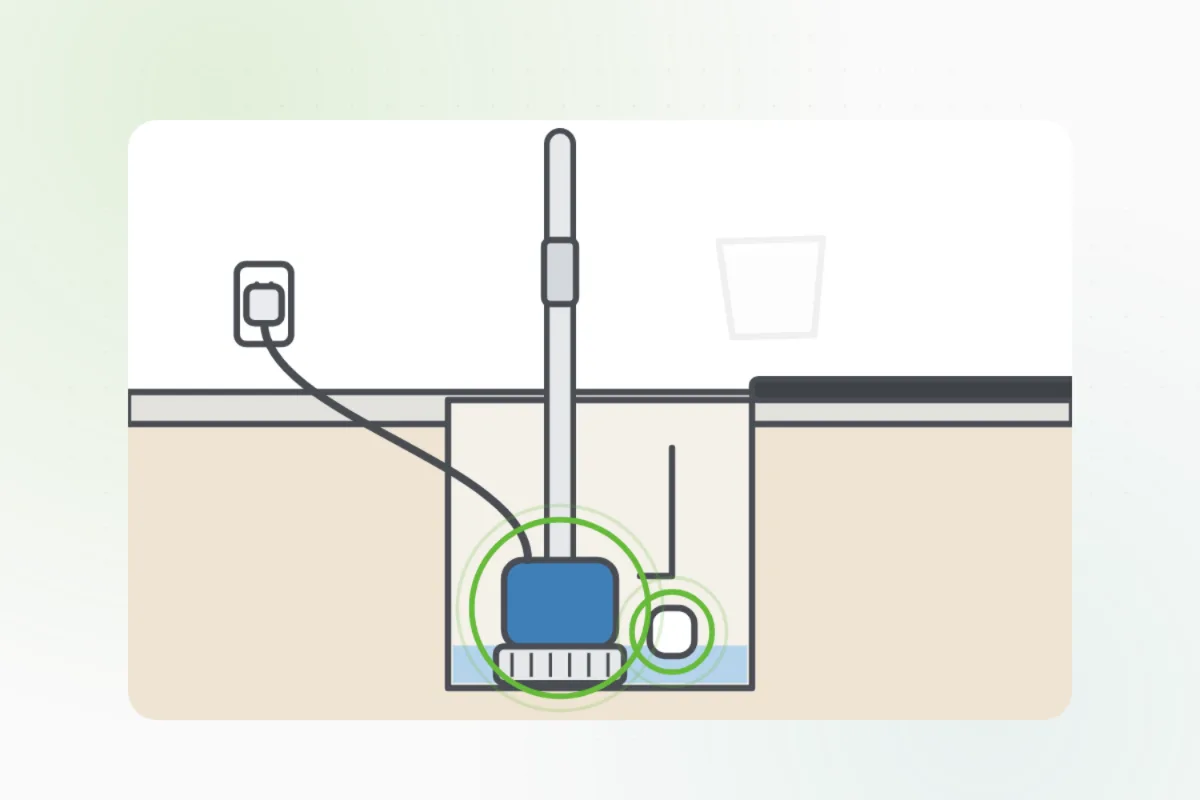
Don't touch the posts or open the battery's caps.Unplug the main pump's cord so only the backup can run.
Dry hands. Hold the plug, not the cord.Pour a bucket of water into the pit slowly, until the backup's float lifts.
The backup should start, empty the pit and stop. Many sound an alarm while they run.
Plug the main pump back in. Check it runs on the next fill.
The backup didn't start, the battery's light is red, or the battery is old or crusted: ask Handyman for a plumber to replace it before the next storm.
What you need
- A bucket of water
- A flashlight
Call a pro if
- The backup pump doesn't start
- The battery's light is red, or the battery is old
- There's no backup pump and you'd like one

Handyman says: Backup didn't run? I'll find a plumber.
Free for every home. Handyman asks a few questions, then books a pro it trusts.
More water and plumbing guides
See all 83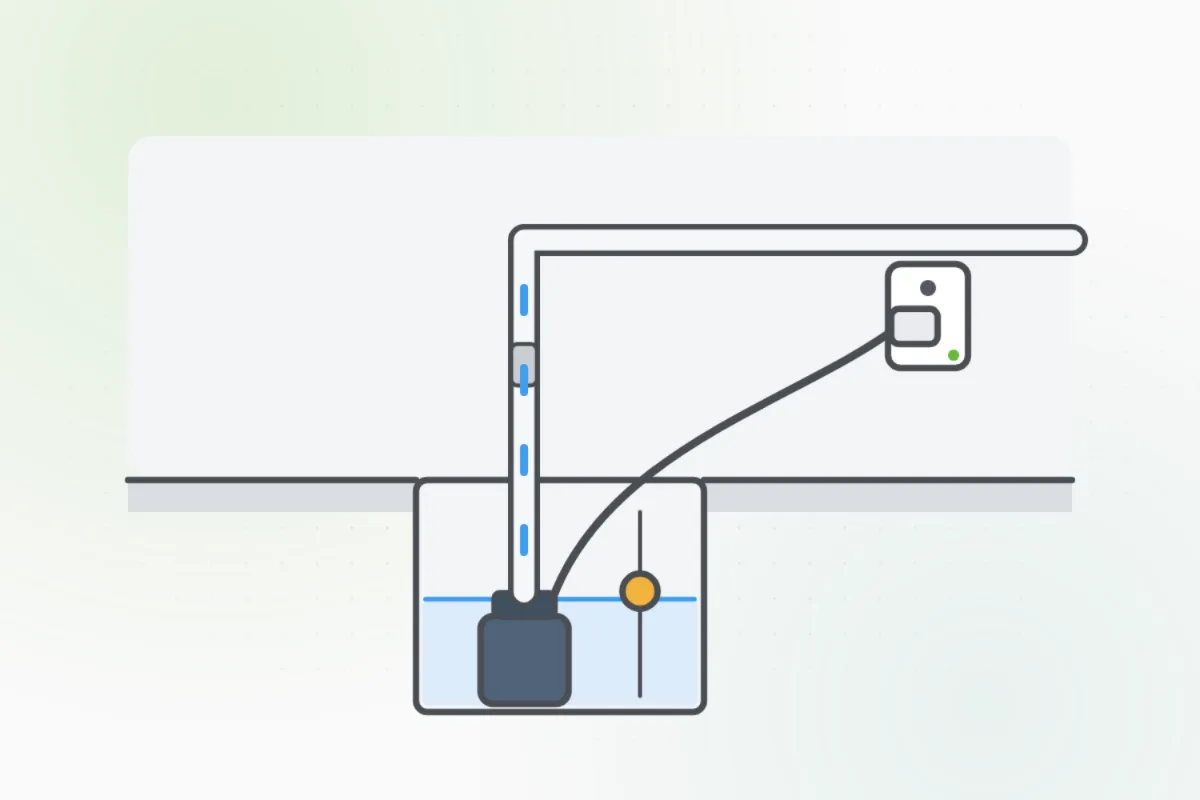
Rather have
a pro do it?