



DIY guideSolar power
Read the solar inverter and its app, from the ground
Check the solar system is making power: the inverter's lights, the app's daily curve, and a look at the panels from the yard. Anything up top is a solar pro's.
- 5 to 15 min
- 7 steps
- Every step animated
7 steps
Tap a step to watch it again.
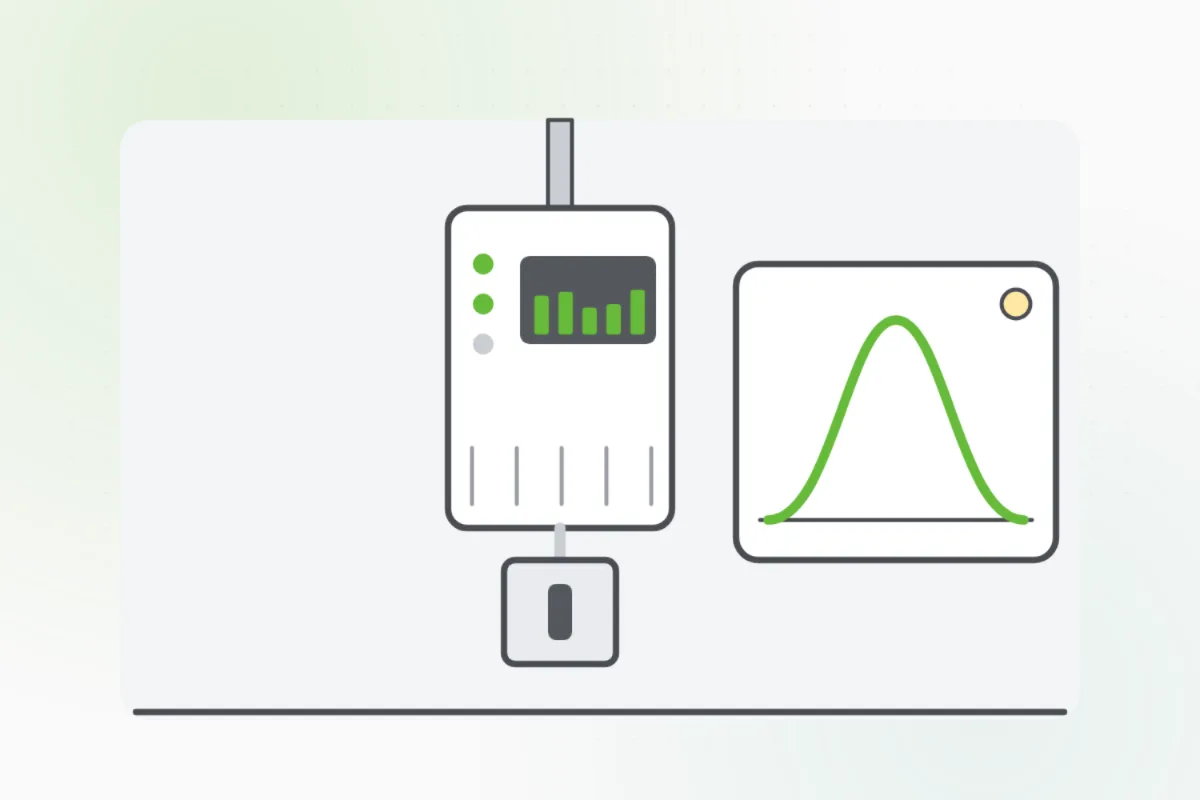
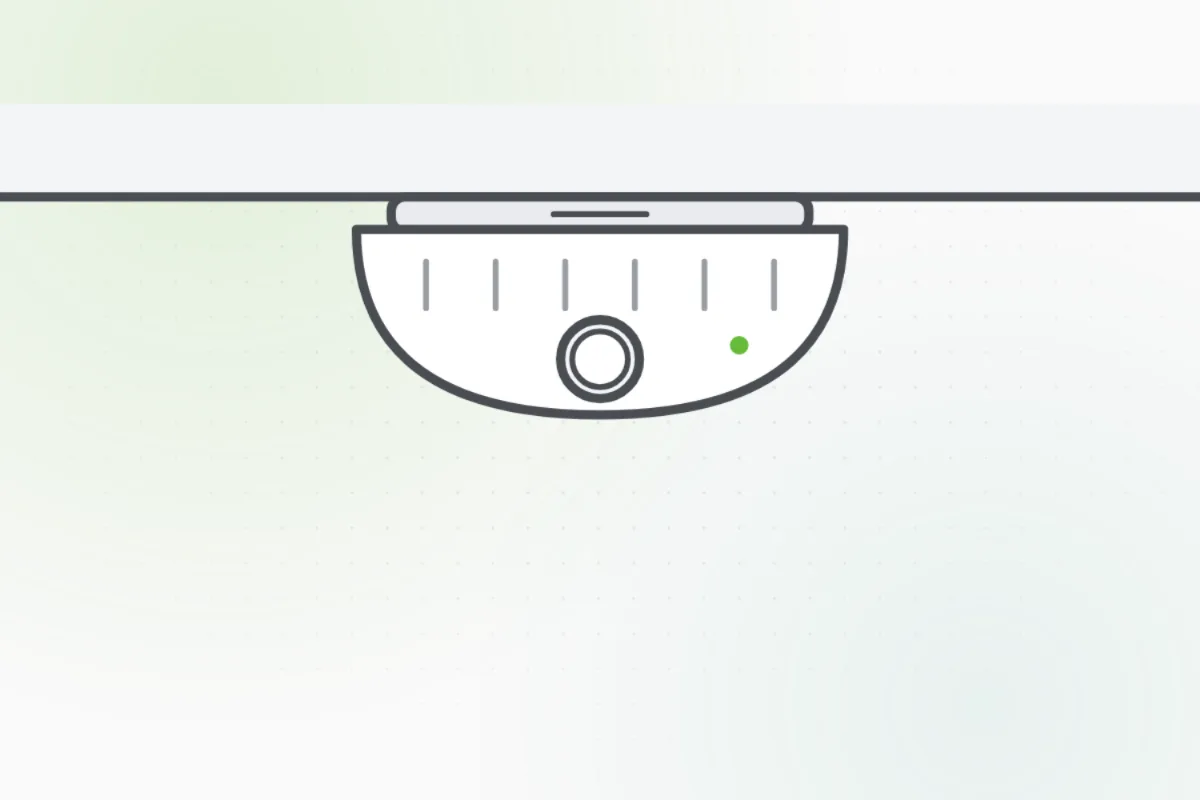
Find the inverter: a box on a wall, often in the garage or by the meter. Some systems have small ones by each panel, read in the app.
A steady green light means it's making power. Red, amber, or no light on a sunny day means a fault.
Open the system's app or website. A sunny day's output should rise and fall with the sun, like a hill.
Compare a sunny day now with sunny days before. A big drop under clear skies means something's wrong.
From the yard, look at the panels for damage, heavy dirt, leaves, or a branch shading them.
If it shows a fault, take a photo of the screen or the lights, as in Read and write down an error or fault code.
Dirty, damaged or shaded panels, a fault, and the inverter's switches are a solar pro's. Never go up on the roof. Ask Handyman for one.
What you need
- The system's app or login
- Your phone, for photos
- Binoculars, if the panels are high
Call a pro if
- The inverter shows a red or amber light, or none on a sunny day
- Output dropped under clear skies
- A panel is cracked, dirty or shaded
- Wires or panels look loose

Handyman says: Leave the panels. I'll find a solar pro.
Free for every home. Handyman asks a few questions, then books a pro it trusts.
More power and safety guides
See all 43
Rather have
a pro do it?