



DIY guideDoor
Change smart lock and keypad batteries
Keep a key handy, open the inside cover, swap every battery, and test the keypad and the app before you walk away.
- 5 to 15 min
- 7 steps
- Every step animated
7 steps
Tap a step to watch it again.
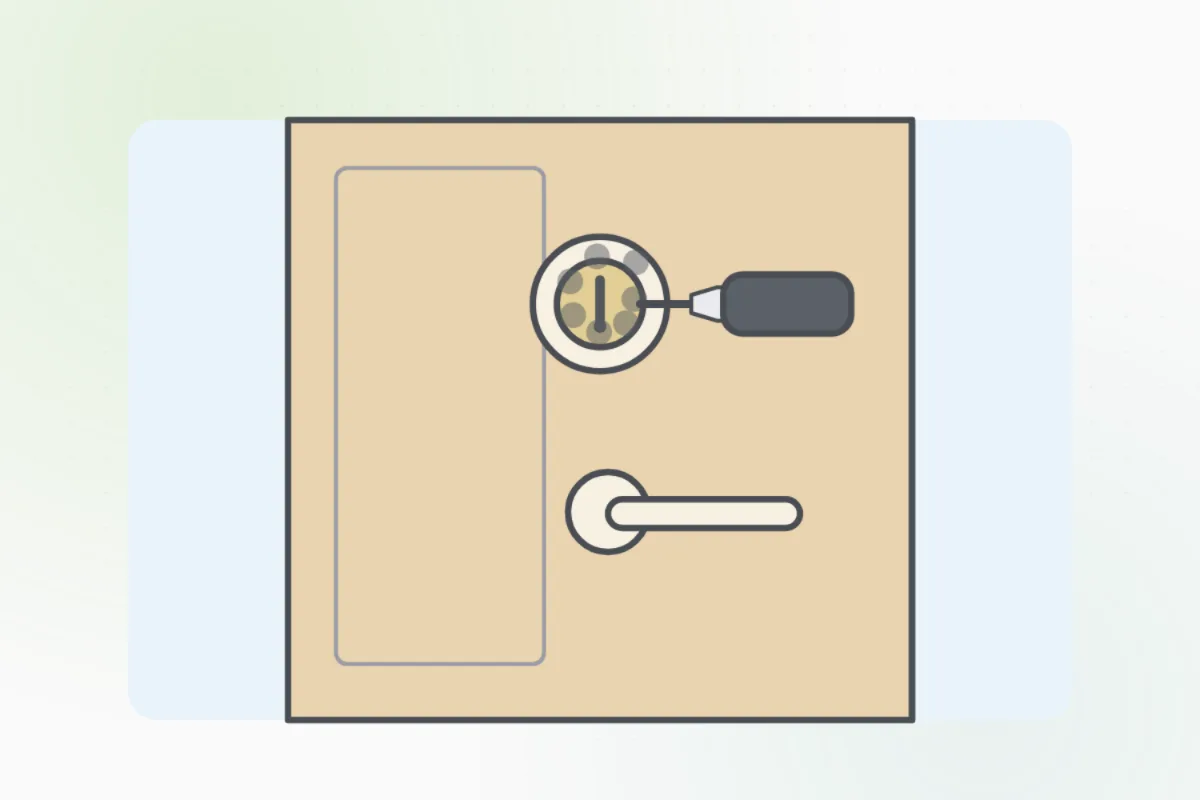
Have the door's key with you, or stay inside, in case the lock stops part way.
Check the booklet or the old batteries for the size and type. Use fresh ones, and rechargeable only if the booklet says.
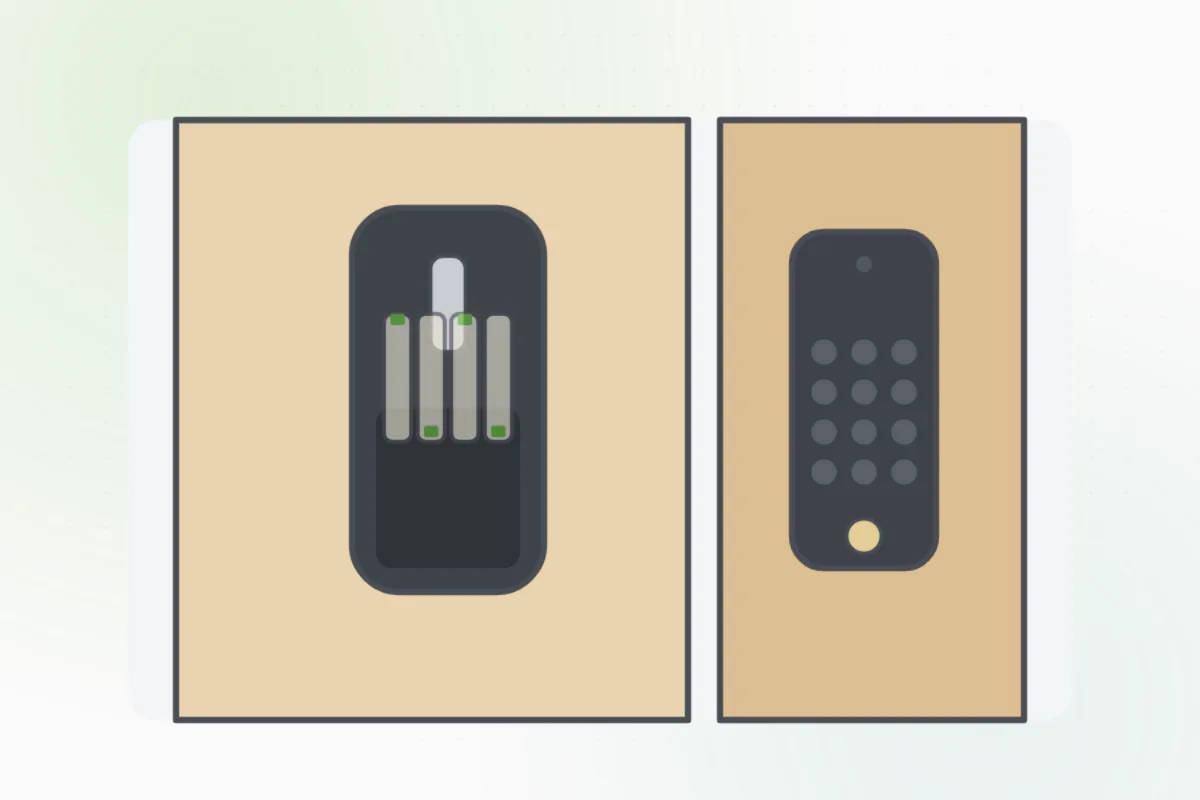
On the inside part, slide or unscrew the cover off the battery box.
Take out every old battery and put new ones in, matching the plus and minus marks.
Put the cover back. Lock and unlock it from the keypad and with the inside turn.
Enter your code: it should open. If it has an app, check the app shows full batteries.
It won't wake with new batteries, the bolt grinds or stops part way, or the keypad is cracked or wet: ask Handyman for a locksmith.
What you need
- New batteries of the right size
- A small screwdriver
- The door's key
Call a pro if
- It won't wake with new batteries
- The bolt grinds or stops part way
- A cracked or wet keypad

Handyman says: Still dead? I'll find a locksmith.
Free for every home. Handyman asks a few questions, then books a pro it trusts.
More around the house guides
See all 70
Rather have
a pro do it?