



DIY guideSeptic system
Find and test the septic or holding-tank alarm
Find the alarm box for your septic pump tank or holding tank, press its test button, and know what it means when it sounds on its own.
- 5 to 10 min
- 7 steps
- Every step animated
7 steps
Tap a step to watch it again.
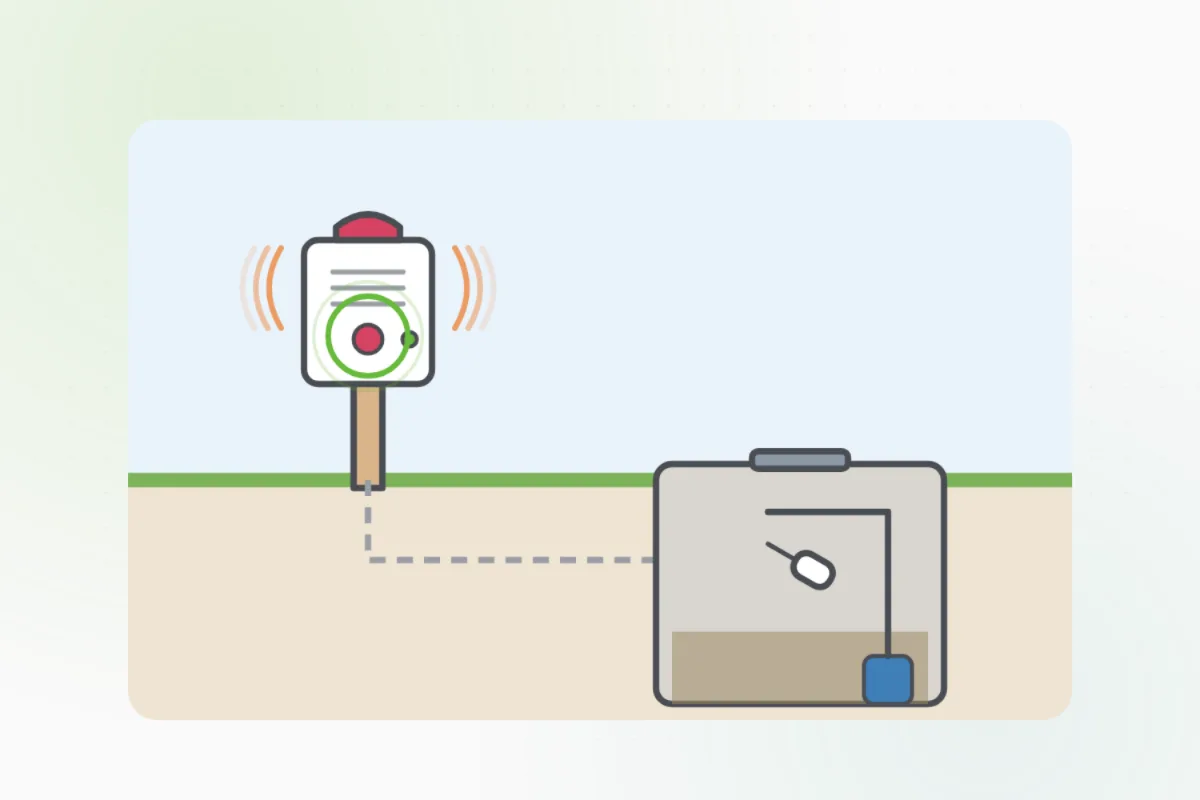
Look for a small box with a light and a horn, on a wall inside or on a post near the tank.
Press and hold its test button: the horn should sound and the light come on.
Let go and it should go quiet, with only its power light on, if it has one.
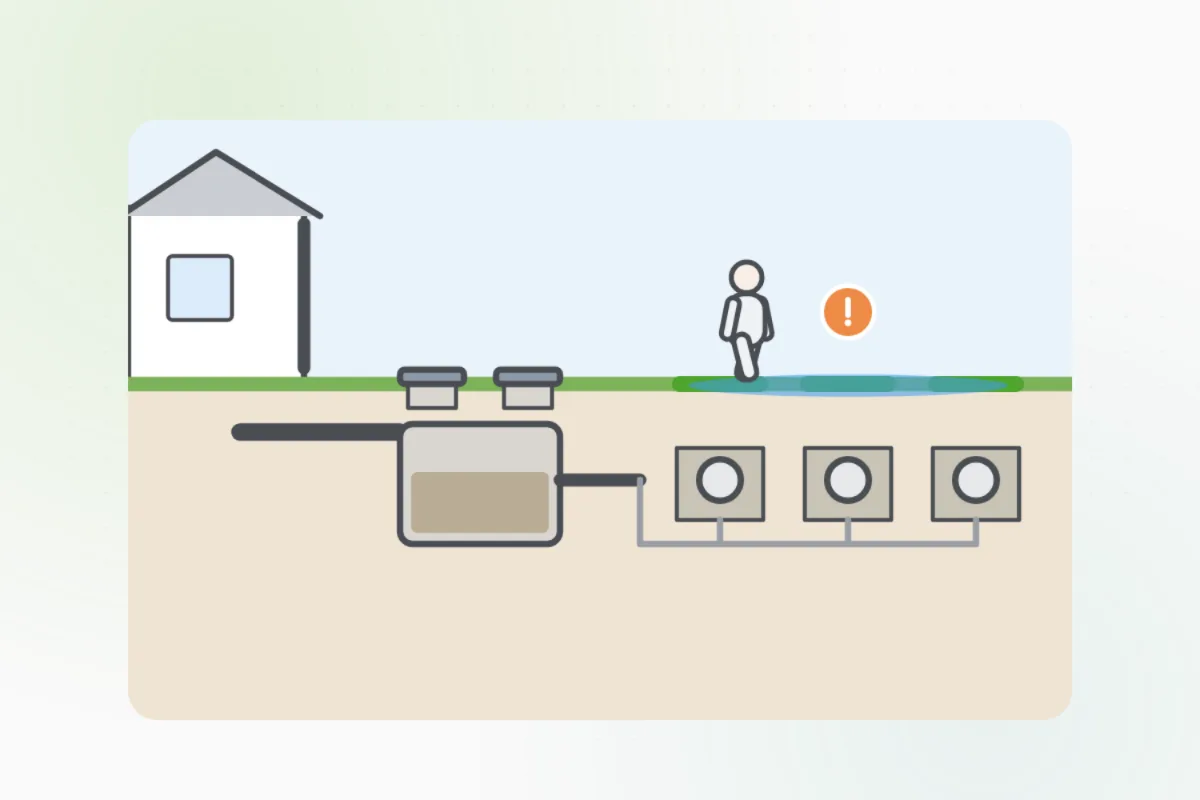
When it sounds on its own, the tank's water is too high: its pump has stopped, or a holding tank is full.
Press silence, then use as little water as you can: no laundry, showers or dishwasher.
Note who pumps or services your system on a label beside the box.
Save water and ask Handyman for a septic pro. Never open the tank to look.
What you need
- Nothing but a finger
Call a pro if
- The alarm sounds on its own
- The test makes no sound
- The power light is off

Handyman says: Save water. I'll find a septic pro.
Free for every home. Handyman asks a few questions, then books a pro it trusts.
More water and plumbing guides
See all 83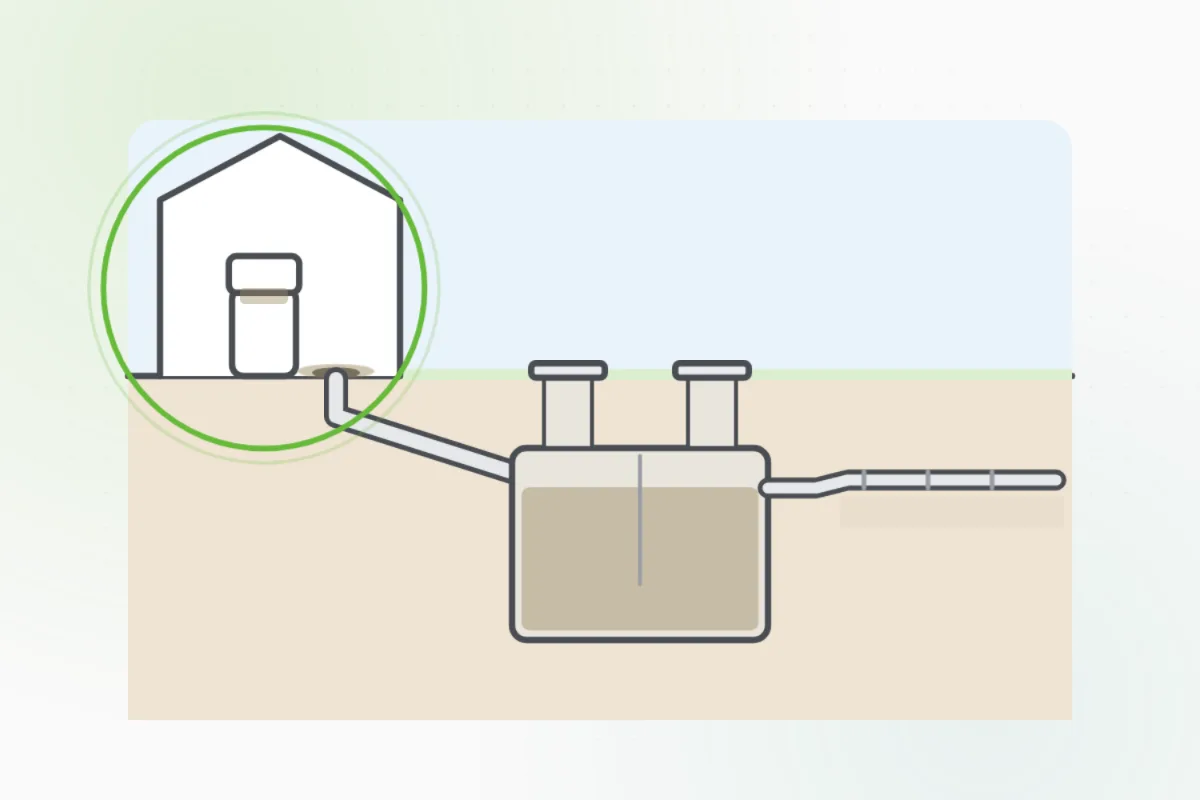

Rather have
a pro do it?