



DIY guideThermostat
Change the thermostat batteries
Swap the thermostat's batteries before they run out and leave the house without heat, then check its clock and schedule.
- 5 to 10 min
- 7 steps
- Every step animated
7 steps
Tap a step to watch it again.
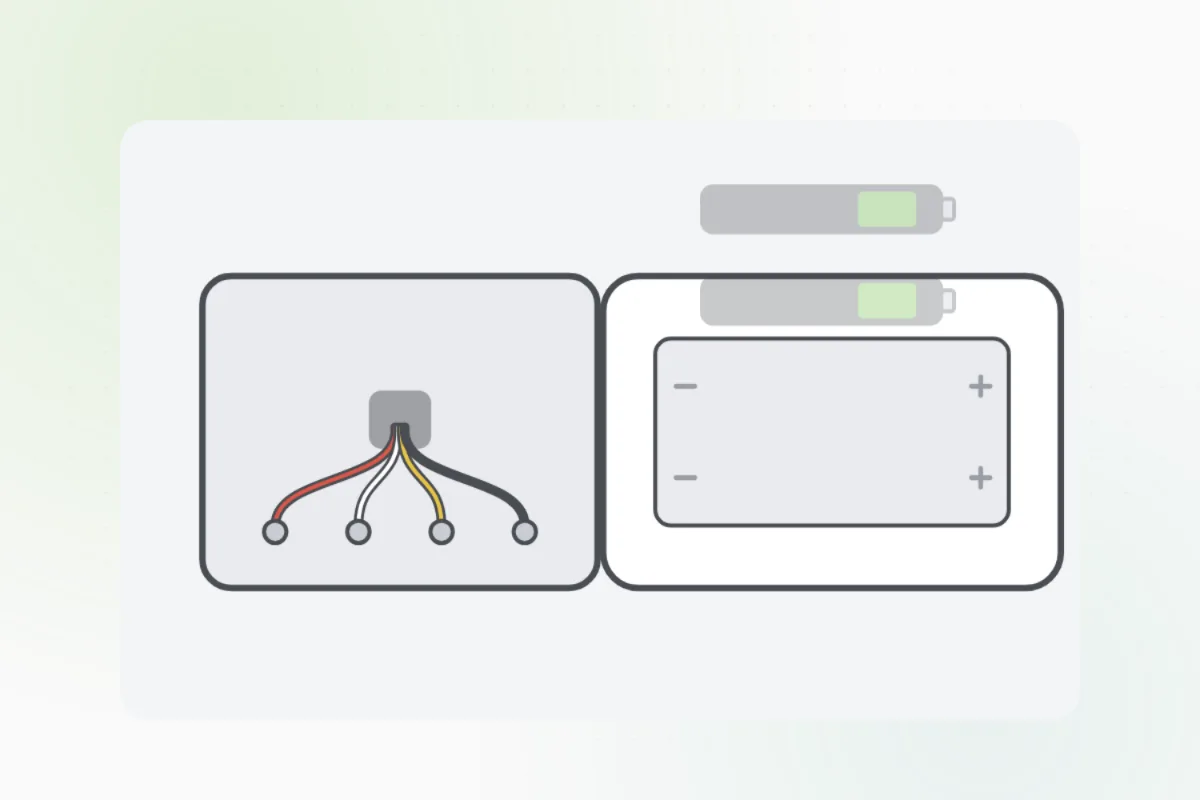
Pull the thermostat's front straight off its wall plate, or open the battery door on its side.
Thick wires or a high-voltage label behind it? Put it back: that one is an electrician's.Look at the size printed in the slot, usually AA or AAA, and which way each one faces.
Take the old batteries out and put new alkaline ones in, matching the + and - marks.
Line the front up with its plate and press until it clicks.
Make sure the screen shows the right time, and set it if not.
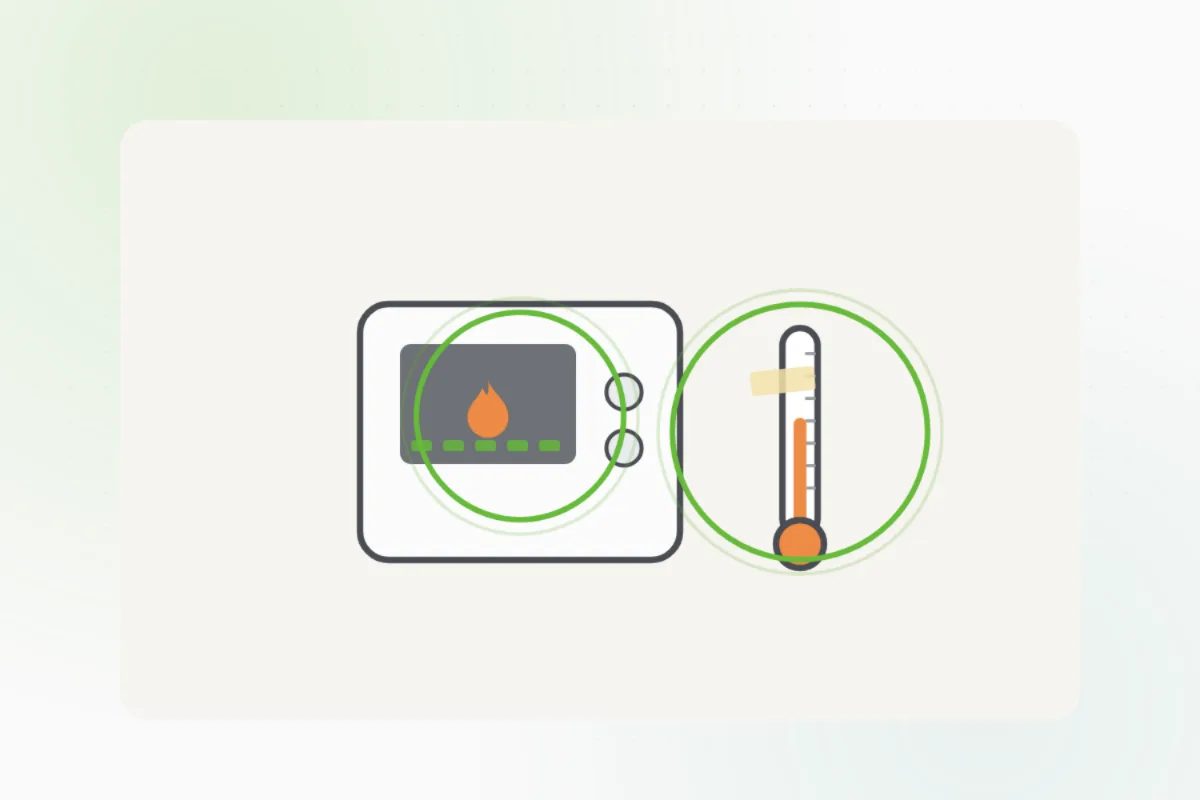
Make sure the mode and the schedule are what you want, and that the heat or cooling comes on.
If the screen stays blank with fresh batteries, or the heat won't come on, ask Handyman for a heating and cooling tech.
What you need
- Fresh alkaline batteries, the size printed in the slot
Call a pro if
- The screen stays blank with fresh batteries
- The heat or cooling won't come on
- It's a line-voltage thermostat, for electric baseboard heat

Handyman says: Still blank? I'll find an HVAC tech.
Free for every home. Handyman asks a few questions, then books a pro it trusts.
More heating and air guides
See all 51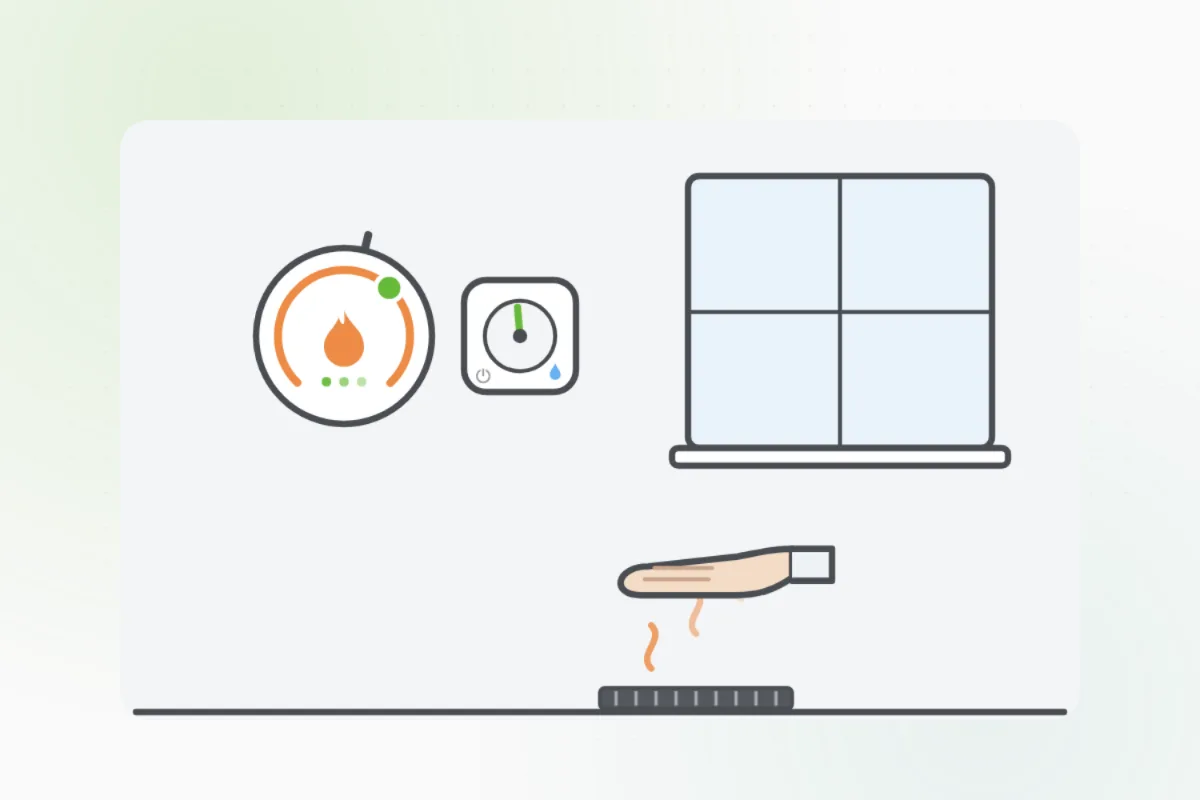

Rather have
a pro do it?